Last updated: May 31, 2026
Updated May 21, 2026.
AI is moving from novelty chatbots into agents that read pages, summarize documents, write code, plan workflows, and sometimes act across accounts. That is useful. It is also the moment where privacy stops being a nice-to-have feature and becomes infrastructure.
If you only use AI to rewrite a public paragraph, almost any mainstream tool can help. But once you start pasting product strategy, client notes, credentials-adjacent debugging logs, private research, source code, health questions, legal questions, crypto plans, or political speech into a model, the real question changes:
It is “which AI stack lets me work without turning every private thought into someone else’s database?”
That is the trend Venice AI is positioned around: private, permissionless, censorship-resistant AI that feels like a normal AI app but does not treat your entire conversation history as a product to retain forever.
Affiliate disclosure: I use and recommend privacy-first tools when they fit the job. If you try Venice through this link, TheThriftyDev may earn a referral benefit: try Venice AI here.
Why private AI is becoming a developer advantage
Developers are not just asking AI for boilerplate anymore. They are asking for architecture reviews, bug triage, API design, database schema help, business logic, deployment plans, customer support macros, and security analysis. That means prompts often include sensitive context.
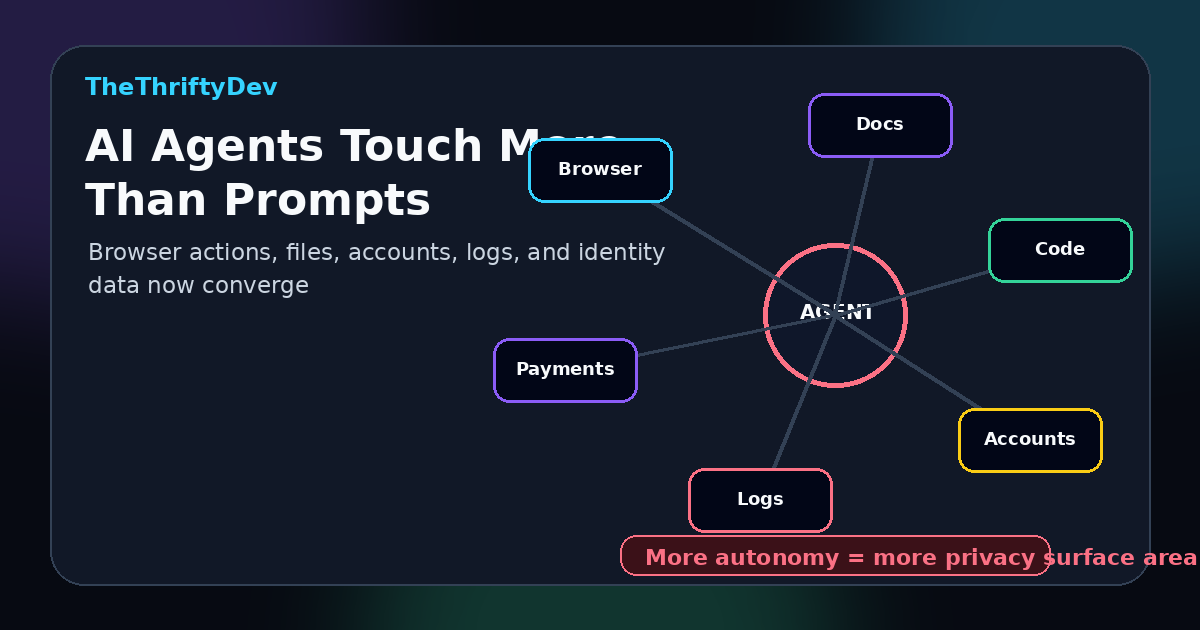
The privacy problem compounds as AI becomes agentic. The Future of Privacy Forum notes that newer AI agents can complete complex, multi-step tasks, including actions through a user’s browser, and that this creates greater data protection risks around collection, disclosure, security, accuracy, explainability, and human oversight.
In plain English: the more useful the assistant gets, the more it sees. The more it sees, the more you need to care where the data goes.
The hidden cost of “free” AI is data gravity
Most hosted AI products have a retention story. Some keep prompts. Some keep files. Some use conversations to improve products unless you opt out. Some route requests to external providers. Some add enterprise controls, but only after you pay for the higher tier.
That does not make every mainstream AI tool evil. It does mean the default assumption should be simple: if your workflow is sensitive, verify retention before pasting. If you cannot verify it, do not paste the private stuff.
Privacy and AI governance are becoming more operational in 2026 too. Workplace Privacy Report’s 2026 privacy, AI, and cybersecurity outlook calls out enforceable AI governance, inventories of AI use, risk classification, documented controls, monitoring scrutiny, and data minimization as practical action items for organizations.
That same logic applies to solo builders and small teams. You do not need a 90-page governance binder. You need a default stack that keeps private work private.
Where Venice AI fits
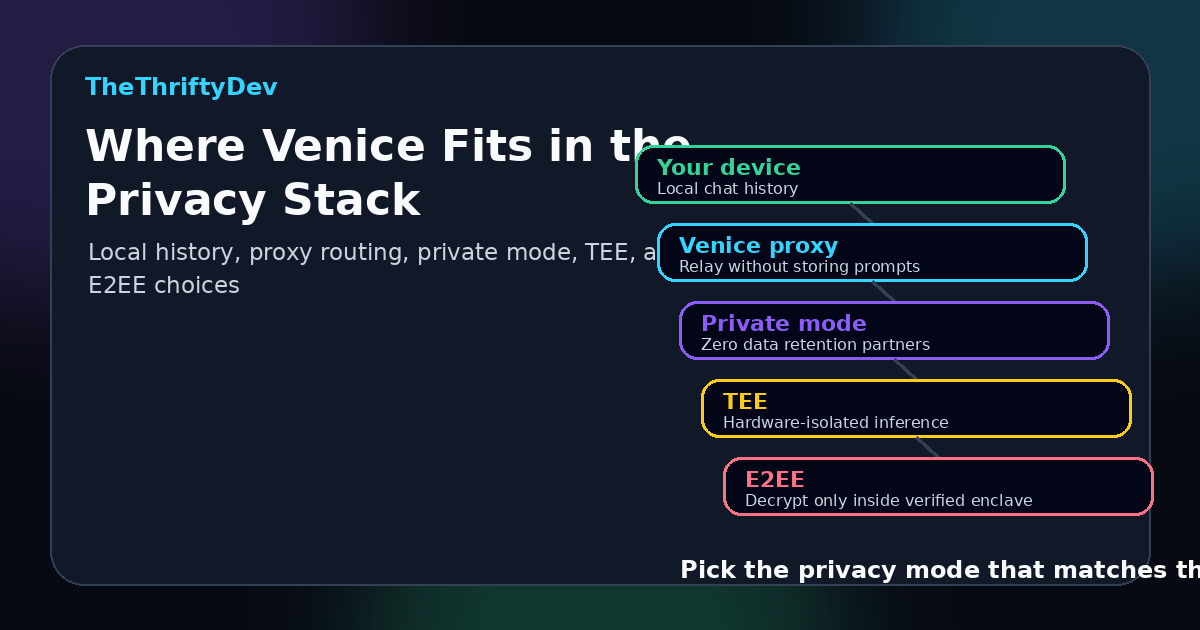
Venice’s pitch is direct: private and permissionless AI. Its own “What is Venice?” page says Venice does not store or log prompt or model responses on its servers, stores conversation history in the browser, and routes encrypted requests through a proxy to decentralized compute resources.
Venice’s privacy page breaks the product into privacy modes. Anonymous mode proxies requests to frontier providers but warns that provider policies apply. Private mode is the default, using Venice-controlled GPUs or zero-data-retention partner infrastructure. Pro adds stronger options, including TEE and E2EE modes, with E2EE encrypting the prompt on your device and decrypting only inside a verified trusted execution environment.
That is the practical distinction. Venice is not just “another chatbot with a privacy checkbox.” It is built around the idea that your conversation history should stay local, requests should not be retained by default, and stronger privacy modes should be available when the job demands it.
Best Venice AI use cases for developers and builders
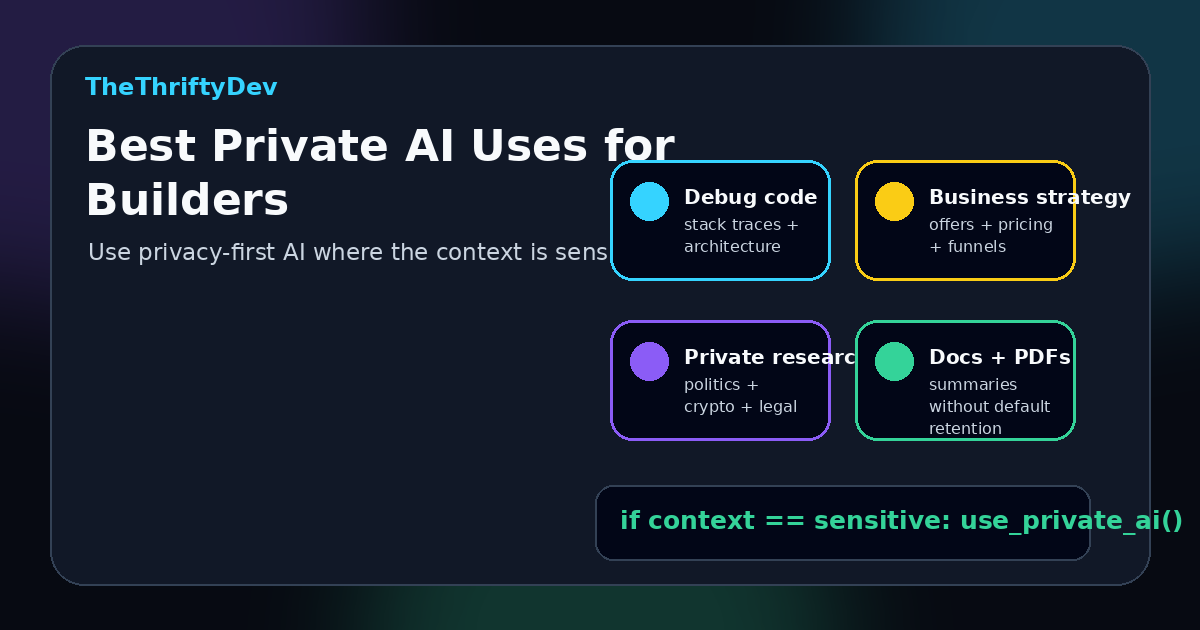
Here is where a privacy-first AI assistant makes the most sense:
- Debugging private code: Ask for help with architecture, errors, stack traces, and refactors without defaulting to tools that retain the whole conversation.
- Business strategy: Brainstorm offers, pricing, funnels, and product positioning without feeding a competitor-intelligence database.
- Privacy-sensitive research: Explore controversial, political, crypto, legal, or personal topics with fewer automated shutdowns.
- Document analysis: Use privacy-aware modes for summaries and extraction when the document is not meant to become training exhaust.
- Image generation: Create visuals without the same level of account-linked creative profiling common across mainstream platforms.
The honest tradeoff
Private AI does not mean magic. Venice itself says that for hosted AI, there are still privacy tradeoffs unless you run models fully locally. In some modes, a provider or GPU processing layer may need access to the prompt to generate the response. Venice’s privacy documentation is unusually useful because it does not pretend that every mode has the same threat model.
That is exactly what users should demand from AI tools: not vague “we care about privacy” copy, but clear retention rules, clear processing paths, and clear differences between normal, private, TEE, and E2EE-style workflows.
A practical private AI checklist
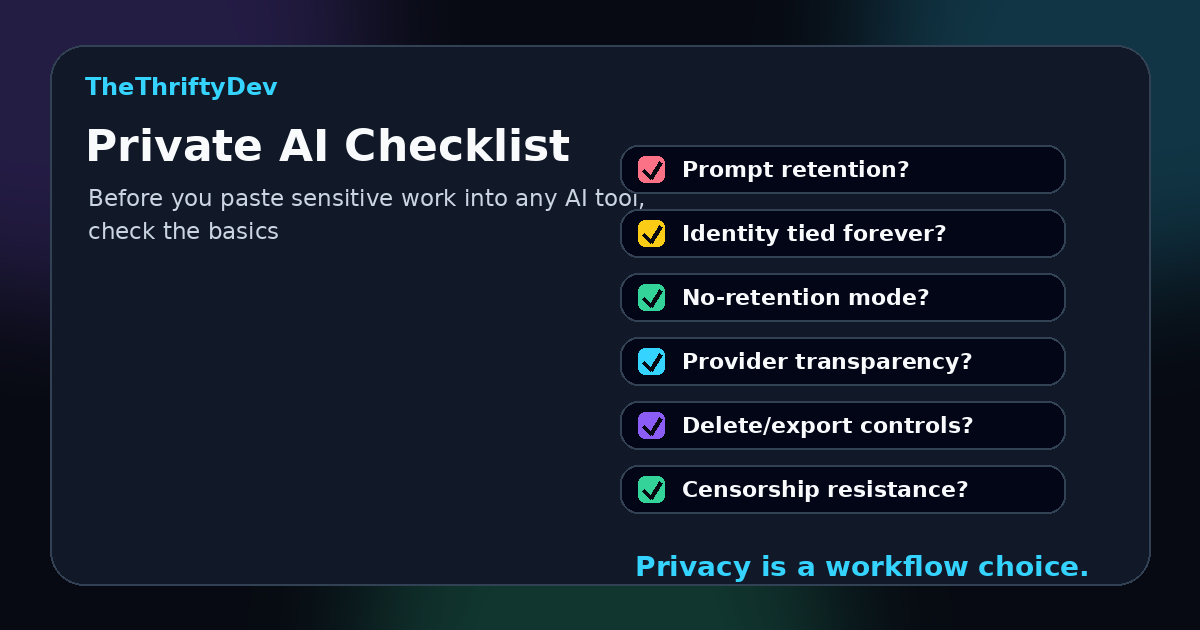
Before you paste sensitive material into any AI assistant, ask these questions:
- Does the tool store prompts and responses?
- Are chats tied to your identity forever?
- Can you choose a no-retention or stronger privacy mode?
- Does it explain which providers process your prompts?
- Can you delete local history and exported files easily?
- Does the tool censor legitimate research or political speech?
- Is the privacy model easy enough that you will actually use it?
Bottom line
The next wave of AI will be more agentic, more personal, and more embedded in daily work. That makes privacy a product feature, a developer workflow requirement, and a civil liberties issue.
Venice AI is relevant because it meets the moment: private by design, permissionless in spirit, uncensored by default, and practical enough for normal people to use without running a local model farm.
If you are building, researching, coding, writing, or exploring topics where privacy matters, Venice belongs on the shortlist.
Try it here: Venice AI private chat.
FAQ
Is Venice AI free?
Venice offers basic free access, including no-account use with daily limits. Pro unlocks higher limits and stronger privacy features such as TEE and E2EE modes.
Does Venice AI store my chats?
Venice says conversation history is stored locally in your browser and that it does not store or log prompt and model responses on its servers. Always read the current privacy docs before using any AI tool for sensitive work.
Is Venice AI better than ChatGPT or Claude?
It depends on the job. For some frontier-model tasks, mainstream tools may be stronger. For privacy-sensitive work, Venice’s value is its private, permissionless architecture and no-default-retention posture.
Should developers use private AI for code?
Yes, especially when prompts include proprietary code, deployment details, logs, customer data, business strategy, or security context. Public snippets are less risky. Private systems need a privacy-aware workflow.
Sources
- Venice AI, What is Venice?
- Venice AI, Privacy in Venice
- Venice AI, How Venice handles your privacy
- Venice.ai Privacy Architecture
- Future of Privacy Forum, AI agents and data protection considerations
- Workplace Privacy Report, Top 10 Privacy, AI and Cybersecurity Issues for 2026
Venice AI vs ChatGPT: Privacy Comparison
| Feature | Venice AI | ChatGPT |
|---|---|---|
| Data retention | Designed around no default prompt/response retention | Retention depends on settings and plan |
| Training on inputs | Privacy-first posture with private modes | May depend on account and product settings |
| Account required | No email required for basic access | Account required |
| Local model options | Best paired with local tools for max privacy | Cloud-first product |
Create Free Account – No Email Required
Affiliate disclosure: TheThriftyDev may earn a referral benefit if you use this Venice link.
For fully local AI, see our guide: Run Your Own AI Locally with Ollama.
Get the Privacy-First AI Tools List
Get the practical escape map: search, email, cloud files, photos, browser, phone backups, and what to replace first.
No spam. Practical privacy, AI, backup, and tool drops. Unsubscribe anytime.Related Posts
- Run Your Own AI: The Beginner’s Guide to Local LLMs in 2026
- Google AI Search Privacy: Better Alternatives to Protect Your Searches
- Mandatory ID Is Coming for Phones and Social Media. Here’s How to Move to Nostr Before the Gate Closes
Keep building from here
These related guides continue the same thread with practical next steps:
- AI Tools and Private AI Hub
- Run Your Own AI: The Beginner’s Guide to Local LLMs in 2026
- Google AI Search Privacy: Better Alternatives to Protect Your Searches
- GPT-5.5 Is Here: What Devs Actually Need to Know
- MCP Explained: The USB-C of AI Connections
- Prompt Engineering for Normal People: 7 Techniques That Actually Work (2026)
Read next
Private AI Workflows: Keep Client Secrets Off Someone Else’s GPU
10 min read·Published Aug 19, 2026NostrXFacebookRedditTelegramSMSCopyOn this page▾Who Actually Needs Private AI (It’s Not Just Lawyers)What Consumer AI Actually Does With Your…
How to Run GLM-5.2 Locally (2026): Ollama, VRAM, and the Honest Hardware Bill
0 0 votes Article Rating Last updated: August 16, 2026 Part of Privacy + Digital Rights Hub You want to run GLM-5.2…
Chat Control 1.0 Passed Through the Back Door (EU, 2026)
0 0 votes Article Rating Last updated: August 20, 2026 Part of Privacy + Digital Rights Hub On July 9, 2026, 314…