{“@context”: “https://schema.org”, “@type”: “Article”, “headline”: “OpenClaw as an Agentic Framework: How I Use It, Why It Matters, and What to Consider Before You Set It Up”, “description”: “A practical builder guide to OpenClaw: setup, channels, memory, heartbeats, cron jobs, multi-agent workflows, sandboxing, and why an always-on agentic framework changes how you build.”, “author”: {“@type”: “Person”, “name”: “Bobby Hendry”}, “publisher”: {“@type”: “Organization”, “name”: “TheThriftyDev”}, “datePublished”: “2026-05-24T21:23:05.344952+00:00”, “dateModified”: “2026-05-24T21:23:05.344963+00:00”, “mainEntityOfPage”: {“@type”: “WebPage”, “@id”: “https://thethriftydev.com/blog/openclaw-agentic-framework-setup-guide/”}, “about”: [“OpenClaw”, “agentic framework”, “AI automation”, “self-hosting”, “AI agents”]}
OpenClaw is the agentic framework I use as a second-brain operating layer for TheThriftyDev. It is not just another chat UI. The useful part is that it can sit between models, tools, files, memory, channels, scheduled work, and real projects.
The 48-hour migration playbook: what to move first, what to keep, and the exact apps that won't make you regret it on Monday.
No spam. Practical privacy, AI, backup and tool drops. Unsubscribe anytime.That distinction matters. A normal chatbot answers when you ask. An agentic framework can remember what matters, wake up on a schedule, operate through Telegram, manage files, run background checks, publish drafts, coordinate sub-agents, and keep working inside a persistent workspace.
This is the setup pattern behind a lot of what I have been doing here: blog pipeline work, KOSA tracker maintenance, X/Nostr engagement targeting, WordPress publishing, accessibility and SEO checks, upload workflows, and ongoing heartbeat-driven maintenance.
What OpenClaw Actually Is
OpenClaw runs a local Gateway that connects an AI agent to models, tools, workspaces, memory, channels, schedules, and browser/dashboard control. The Gateway is the always-on part. The model is only one piece of the system.
That architecture is why I think of it as an agentic framework instead of a chatbot. The agent gets a home directory, instructions, tools, long-term memory files, scheduled tasks, and channel access. It can operate more like a persistent operator than a one-off prompt box.
What We Are Using It For
In my current TheThriftyDev workflow, OpenClaw is doing several jobs at once:
- Telegram command center: I can send work from my phone and get results back without sitting at a terminal.
- Blog pipeline: research, draft, image generation, WordPress publishing, live verification, and cache checks.
- Heartbeat maintenance: recurring checks for SEO, indexing, technical health, and link-magnet freshness.
- Social engagement ops: finding direct X/Nostr posts, writing copy-paste replies, and keeping links relevant.
- Memory: durable preferences, project rules, and mistakes I do not want repeated.
- Sub-agent work: offloading larger research or coding tasks to isolated sessions when needed.
Why Use An Agentic Framework Instead Of ChatGPT Alone?
ChatGPT alone is useful. But an agentic framework gives you leverage in places a plain chat box does not:
- Persistence: workspace files, memory, and sessions survive beyond one conversation.
- Real tooling: the agent can read files, write files, run commands, fetch pages, generate media, and verify output.
- Channels: you can operate from Telegram, Discord, Slack, Signal, or other surfaces instead of one browser tab.
- Automation: cron jobs and heartbeats can turn “remember to check this” into an actual recurring workflow.
- Model routing: one framework can use different models for different work instead of locking the whole operation into one provider.
- Workflow memory: the system can learn house rules like “always make social replies easy to copy on Telegram.”
The Core Setup Pieces
The fastest official path is simple: install OpenClaw, run onboarding, verify the Gateway, open the dashboard, then send a first message. The official docs recommend Node.js, a model provider key, and the onboarding command:
curl -fsSL https://openclaw.ai/install.sh | bash
openclaw onboard --install-daemon
openclaw gateway status
openclaw dashboard
From there, the important builder pieces are:
- Gateway: the always-on process that coordinates sessions, tools, channels, and jobs.
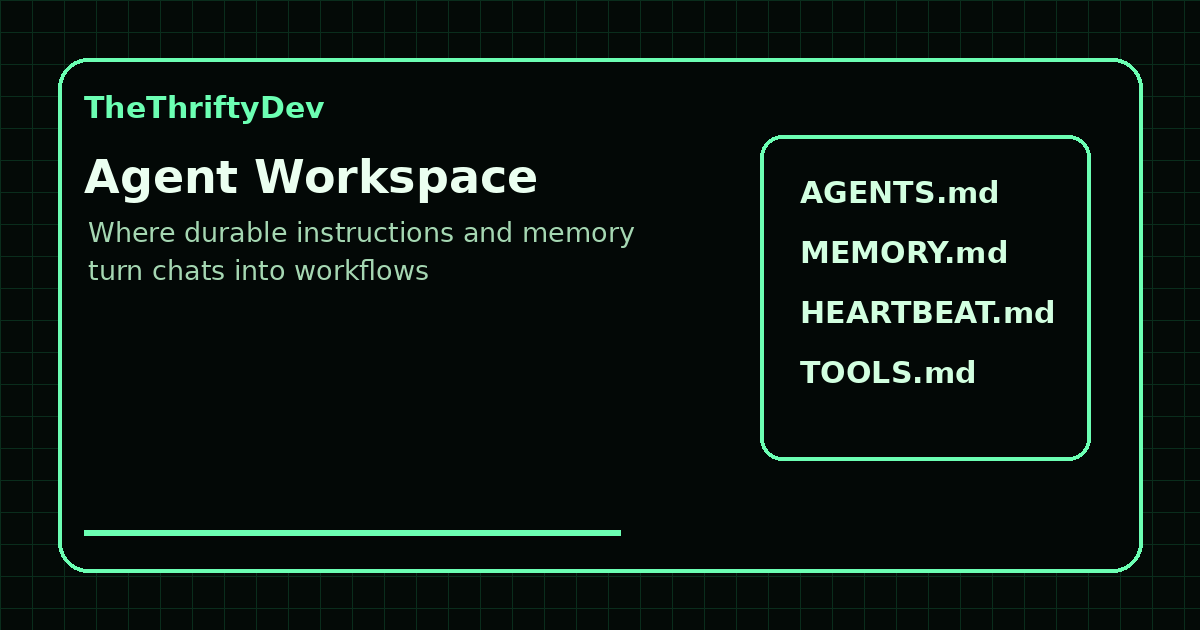
- Workspace: the agent home directory where files like
AGENTS.md,SOUL.md,USER.md,TOOLS.md,HEARTBEAT.md, andMEMORY.mdlive. - Config:
~/.openclaw/openclaw.json, where channels, models, tools, sandboxing, and automation are controlled. - Channels: Telegram is the easiest practical phone command center. Other channels exist depending on your stack.
- Memory: plain Markdown files that tell the agent what to retain across sessions.
- Cron and heartbeat: scheduled jobs and proactive maintenance checks.
My Practical Setup Pattern
If I were setting this up from scratch for a serious builder workflow, I would do it in this order:
- Install OpenClaw on a server or always-on machine.
- Run onboarding and confirm the Gateway works.
- Connect Telegram so you can command it from your phone.
- Create a private workspace repo for agent instructions and memory.
- Write clear operating rules in
AGENTS.md,USER.md, andTOOLS.md. - Add project-specific priorities to
HEARTBEAT.md. - Set up memory rules so the agent remembers preferences and corrections.
- Start with safe file/read/search workflows before giving it broader command execution.
- Add scheduled checks only after the workflow is proven manually.
- Use isolated sub-agents for larger jobs so one task does not pollute the main context.
Things To Consider Before You Set It Up
This is where people need to slow down. An agentic framework is powerful because it can touch real systems. That also means bad instructions, sloppy access, or weak boundaries can create real problems.
1. Do Not Treat The Workspace Like A Public Repo
The workspace can contain personal operating rules, memory, project context, and local conventions. Keep it private. Do not commit secrets. Do not casually publish raw transcripts or private attachments.
2. Use Allowlisting For Channels
If you connect Telegram or another channel, control who can message the bot. A public bot with powerful tools is asking for trouble. For one-owner setups, use pairing or allowlist policies.
3. Separate Config From Workspace
The docs are clear that ~/.openclaw/openclaw.json, credentials, auth profiles, and sessions live under ~/.openclaw/, not inside the normal workspace repo. Keep credentials out of your backup repo.
4. Think Hard About Sandboxing
OpenClaw can sandbox tool execution. It is not magic, but it reduces blast radius. If your agent can run commands or edit files, sandboxing is worth understanding before you give it broad access.
5. Start With Reversible Work
Use the agent for audits, drafts, reports, file diffs, and checks first. Let trust build. Then add publishing, deployment, and scheduled actions once you have verification gates.
Where OpenClaw Shines
OpenClaw shines when the work is not just “answer this question.” It shines when the work is ongoing:
- Keep a tracker page accurate every week.
- Find social engagement targets every day.
- Maintain a blog pipeline.
- Watch for SEO regressions.
- Coordinate multiple coding or research agents.
- Remember how you like outputs formatted.
- Operate from your phone while still using a server-side tool stack.
Where It Can Go Wrong
The failure modes are also real:
- Too much access too early.
- No baseline commits before edits.
- Unclear instructions in workspace files.
- Letting scheduled jobs publish uncertain claims automatically.
- Storing secrets where the agent can accidentally expose them.
- Assuming memory is magic instead of maintaining explicit files.
- Using the wrong model for the wrong task and burning time.
A Sensible Starter Architecture
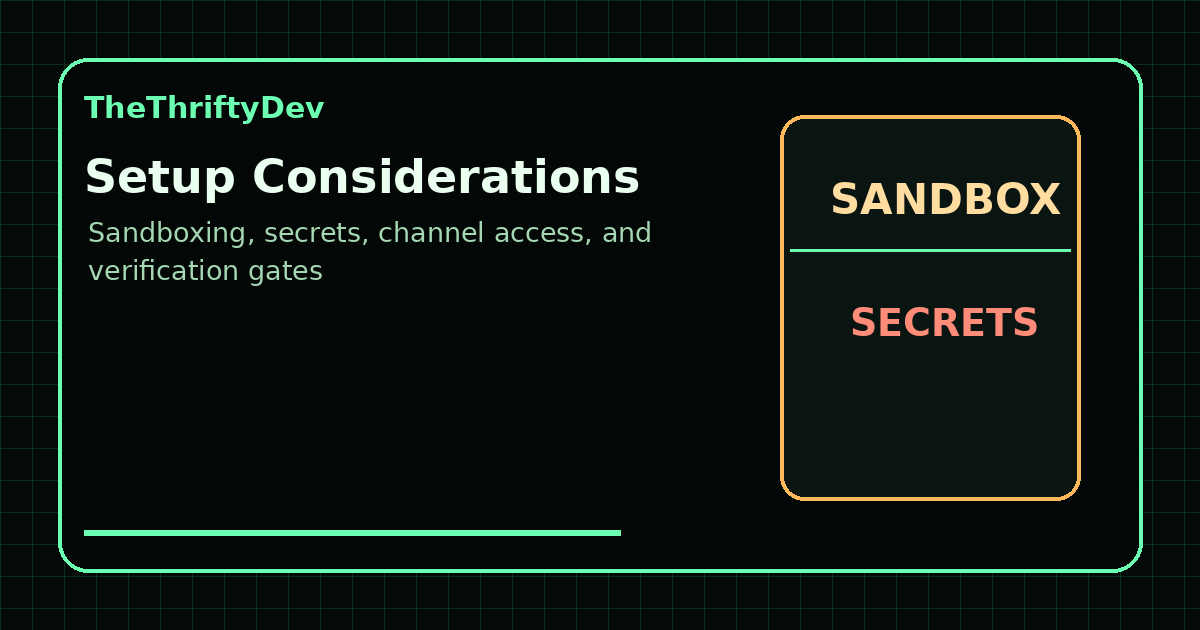
For most builders, I would start with this:
- One OpenClaw Gateway on a VPS or always-on machine.
- One primary agent workspace.
- Telegram DM access restricted to your account.
- One strong primary model and at least one fallback.
- Memory files under version control in a private repo.
- Sandboxing enabled or at least understood before broad exec access.
- Heartbeat focused on one project priority.
- Cron jobs used sparingly for proven recurring workflows.
How This Changes A Real Publishing Workflow
The biggest difference shows up when a workflow has multiple steps. A normal AI chat can help write an article. An OpenClaw-style agentic workflow can help manage the surrounding operation: inspect the live site, check source links, draft the post, create images, upload media, publish through WordPress, verify the live page, purge cache, and then generate social copy for distribution.
That matters because publishing is rarely just writing. It is research, formatting, images, internal links, schema, SEO, accessibility, distribution, and follow-up maintenance. When those steps live in one operating loop, the work compounds. The agent can remember house style, know which links belong in follow-up replies, avoid repeating old mistakes, and keep a tracker page fresh after the initial launch.
For TheThriftyDev, this is why OpenClaw fits the Sovereign Builder Protocol idea. The point is not to outsource judgment. The point is to build a local, durable workflow layer around judgment so publishing and operations move faster without handing everything to a closed SaaS dashboard.
Heartbeat Versus Cron In Plain English
Two OpenClaw concepts are especially useful for builders: heartbeat and cron.
Heartbeat is a proactive check-in loop. It is good for broad ongoing priorities like “keep the blog healthy,” “look for SEO regressions,” or “do quiet useful work unless there is a real update.” Heartbeat is less about a precise clock and more about giving the agent a standing responsibility.
Cron is for scheduled jobs with explicit timing. Use it when something must happen at a specific time or on a specific recurrence, like a weekly source check, a daily report, or a one-shot reminder. Cron jobs persist inside the Gateway, so they survive restarts and create background task records.
The practical rule is simple: use heartbeat for ongoing posture, and cron for specific scheduled actions. Do not fake reminders with shell sleeps or background loops. Let the Gateway scheduler own that job.
What I Would Not Automate First
There are some things I would not automate on day one. I would not start by letting an agent push production deploys, delete files, send subscriber emails, or publish uncertain legal claims without review. Those workflows need gates.
The safer path is to make the agent gather evidence, produce a diff, verify links, and ask for confirmation on irreversible actions. Once a workflow proves itself repeatedly, you can make it more autonomous. This is especially important for public content. A bad private note is annoying. A bad public claim can damage trust.
Minimum Viable OpenClaw Stack For A Solo Builder
If you want the smallest serious setup, I would use this stack:
- A VPS or always-on machine for the Gateway.
- Telegram for mobile command input.
- A primary model plus fallbacks for reliability.
- A private git-backed workspace for instructions and memory.
- A clear
HEARTBEAT.mdwith one main project priority. - A handful of safe tools enabled first: read, write, fetch, search, and limited command execution.
- Manual approval for destructive actions until the process is proven.
- One or two weekly cron jobs tied to measurable outcomes.
That is enough to get real value without building a fragile monster. You can add more agents, channels, browser automation, and publishing pipelines later.
The Bottom Line
An agentic framework is not about replacing human judgment. It is about giving your judgment a persistent operating layer.
OpenClaw lets me turn a phone message into a real workflow: research something, edit files, publish a post, verify a live page, generate social comments, remember the correction, and check back later. That is a different category of tool than a chatbot.
If you build online, publish regularly, manage multiple projects, or care about owning your AI workflow, that matters. The future is not just better prompts. It is better operating systems for agentic work.
Copy/Paste Summary
OpenClaw is not just a chat UI. It is an agentic framework: models, tools, memory, channels, schedules, and workspace files tied together by a local Gateway.

That means your AI can operate from Telegram, remember project rules, run recurring checks, coordinate sub-agents, publish drafts, and verify work live.

The tradeoff is responsibility: sandbox tools, restrict channel access, protect secrets, and do not automate publishing without verification.

Guide: https://thethriftydev.com/blog/openclaw-agentic-framework-setup-guide/
Related TheThriftyDev Reading
- What Is the Sovereign Builder Protocol?
- n8n AI Agents: Self-Hosted Automation Guide
- Private AI Is Becoming the New Developer Edge
- AI Browser Agents Are the New Attack Surface
Sources
- OpenClaw Getting Started
- OpenClaw Configuration
- OpenClaw Agent Workspace
- OpenClaw Scheduled Tasks
- OpenClaw Telegram Channel
- OpenClaw Memory Overview
- OpenClaw Multi-Agent Routing
- OpenClaw Sandboxing
Related tool write ups and comparisons are collected in the AI Tools and Private AI Hub.
Read next
What Frontier AI Actually Costs, and What Each Provider Keeps: The September 2026 Price and Privacy Table
15 min read·Published Sep 29, 2026NostrXFacebookRedditTelegramSMSCopyOn this page▾The price table: hosted inference, per million tokensThe retention table: what each provider’s own documents…
Open Weights Licensing in 2026: What You Can Actually Ship
0 0 votes Article Rating Part of Start Here This article is not legal advice. It is a survey of published license…
The Local Model VRAM Tracker
0 0 votes Article Rating Part of Start Here Data in this page is as of 29 September 2026. Prices move fast,…