Updated May 24, 2026.
AI agents are moving out of chat boxes and into browsers, terminals, dashboards, repos, calendars, CRMs, and payment flows. That is useful. It is also the moment where browser privacy stops being a nice setting and becomes an operating boundary.
If an agent can read a page, click buttons, summarize private tabs, call tools, and move data between accounts, then the browser profile becomes part of your security model. Treat it casually and the agent inherits your mess: cookies, logged-in sessions, saved passwords, extensions, trackers, and whatever personal context you forgot was open.
Why this is trending now
The agent shift is real because the workflow changed. A normal chatbot answers. An agent observes, decides, and acts. Help Net Security describes enterprise AI assistants tied into ticketing systems, source code repositories, chat platforms, and cloud dashboards, with some systems able to open pull requests, query databases, book services, and trigger workflows.
Palo Alto Networks frames the same shift as a move from demos into production. Their warning is simple: agents do not behave like conventional software. They are autonomous actors that reason, access systems, call APIs, move data, trigger workflows, and make decisions.
That matters for solo builders too. You may not have a giant enterprise stack, but you probably have a browser profile that can access email, WordPress, analytics, hosting, crypto tools, social accounts, AI chats, and cloud storage. If an agent operates inside that profile, it is not just browsing. It is holding a live bundle of permissions.
The browser is becoming an execution environment
Browser automation used to mean scraping pages or filling forms. Agentic browsing is different. It mixes natural language instructions, page reading, memory, tool use, and account access. Firecrawl’s 2026 agentic AI trend roundup highlights browser agents as one of the major categories, with AI automating web-based workflows and real-time web access becoming more important for agent usefulness.
The practical builder question is not whether agents are useful. They are. The question is where they are allowed to operate.
- Can the agent see your personal Gmail?
- Can it act inside WordPress?
- Can it access billing dashboards?
- Can it read private customer messages?
- Can a webpage influence what it does next?
- Can it move data from one context into another?
If the answer is yes to all of those, your agent is not a helper. It is a high-permission user with weak instincts.
The core risk: webpages can become instructions
Prompt injection is not just a weird lab trick. It becomes more dangerous when the agent is reading untrusted web content and has permission to act. Help Net Security notes that prompt injection and jailbreak techniques matured, and that multi-turn attacks can matter more for agents that operate over longer sessions with memory and tool access.
The ugly version looks like this: the agent reads a page, hidden content tells it to ignore previous rules or leak data, and the agent combines that page instruction with the authority you gave it. The webpage did not hack your machine directly. It hacked the decision-maker you put in front of your machine.
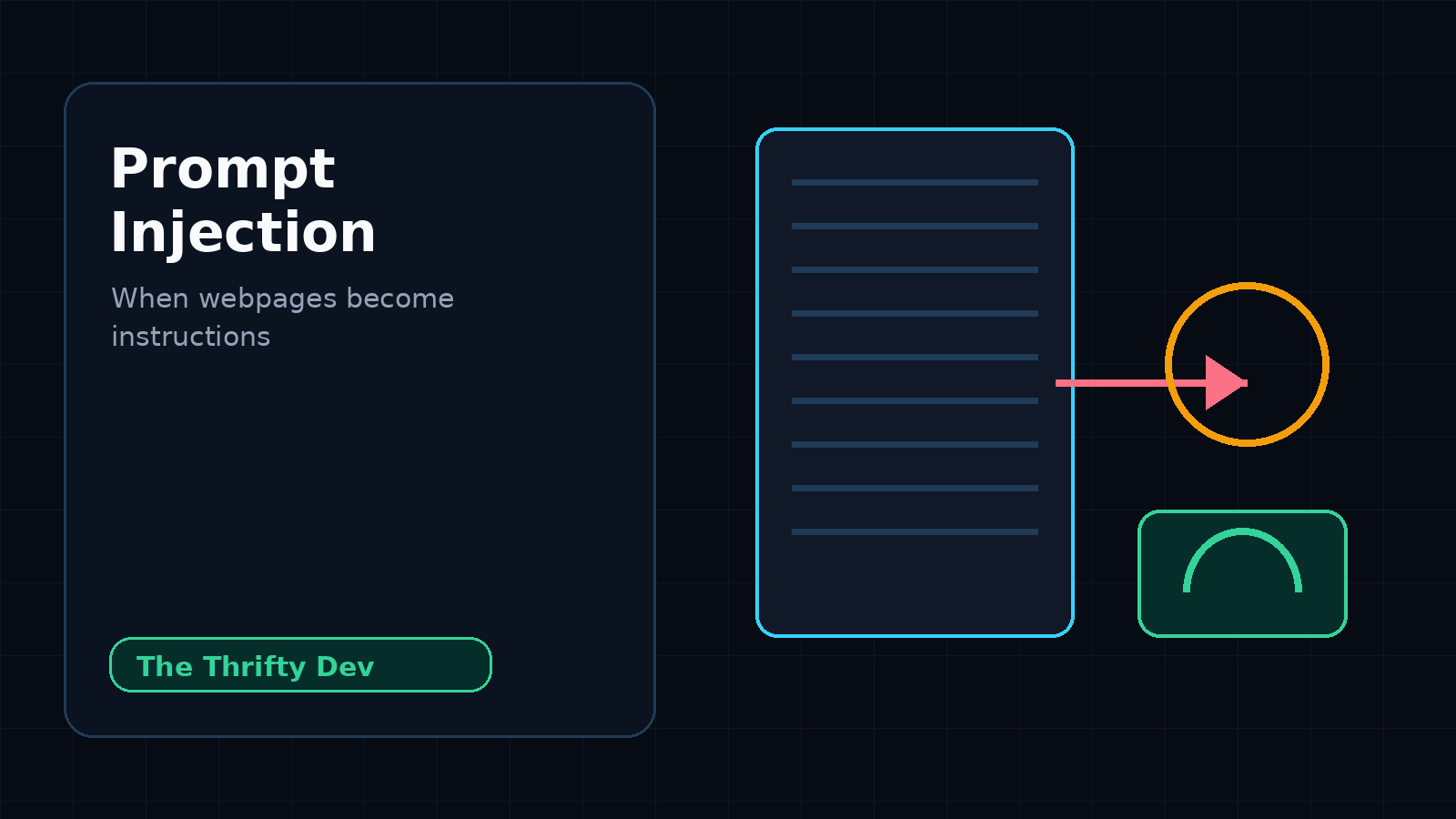
This is why “be careful what sites you visit” is no longer enough. The new rule is: be careful what authority your agent has while visiting them.
The private builder stack needs lanes
The answer is not panic. The answer is compartmentalization. Privacy in 2026 is not one magic tool. freeCodeCamp’s privacy guide makes the useful point that privacy is about data flows, inferred identity, and behavior across systems, not just hiding an IP address.
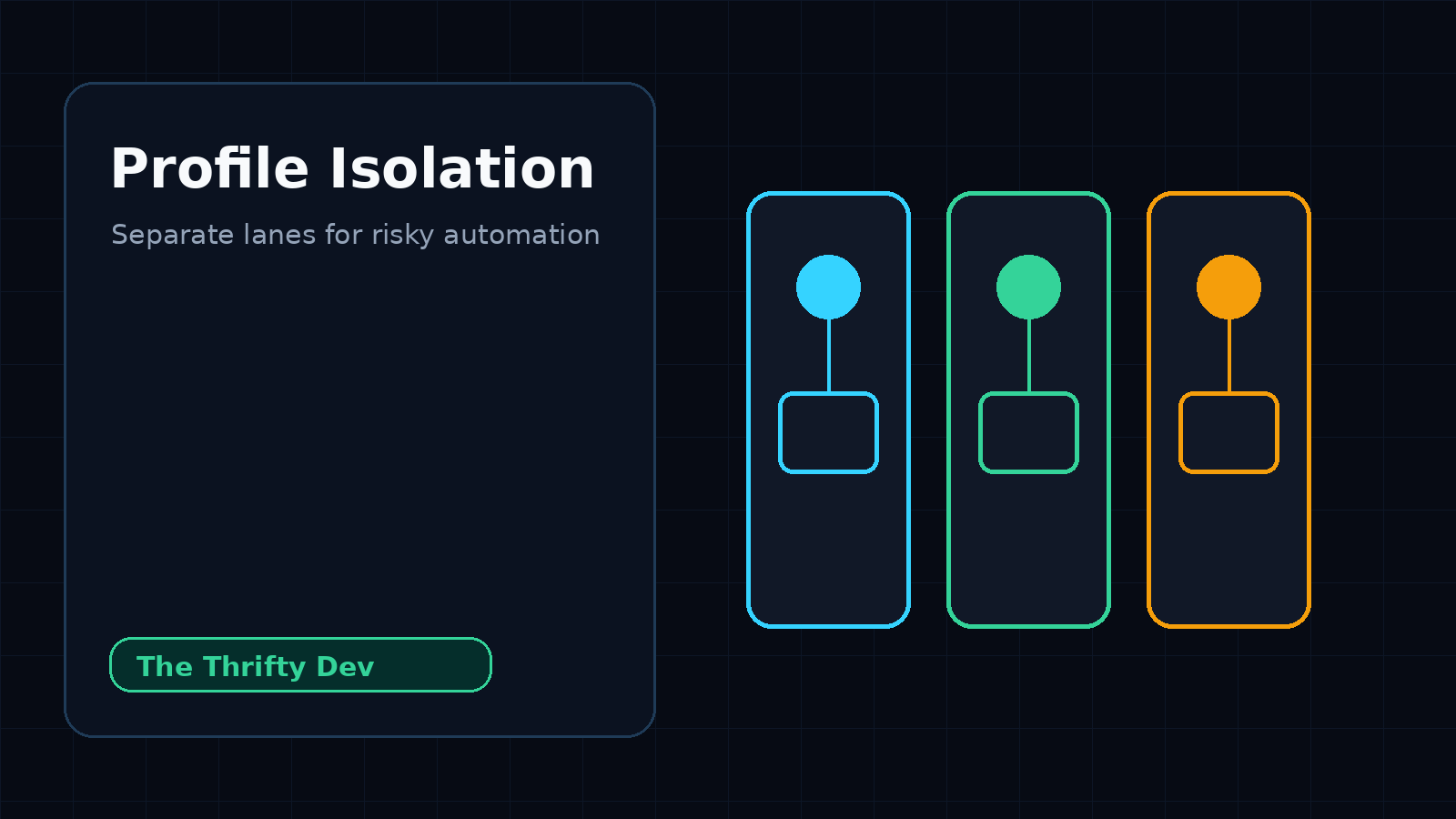
For AI browser agents, that means separate lanes:
- Personal lane: normal browsing, personal email, private accounts, family stuff. No agents.
- Builder lane: WordPress, analytics, publishing tools, research, brand accounts. Agents allowed with care.
- Automation lane: fresh browser profile, minimum cookies, limited accounts, no saved passwords, task-specific access.
- High-risk lane: untrusted research, sketchy pages, adversarial content. No account sessions.
This sounds boring. Good. Boring controls are the ones you actually use.
Minimum viable agent security
You do not need enterprise governance to stop the dumbest failures. You need a few hard rules that match how builders actually work.
- Use a separate browser profile for agents. Never give agents your daily driver profile.
- Start logged out. Log in only when the task needs it.
- Use task-specific accounts when possible. A writer account is safer than the owner account.
- Keep payment, hosting, and domain control behind approval gates. No autonomous changes there.
- Disable unnecessary extensions. Extensions expand the attack surface and leak context.
- Prefer read-only API keys. If write access is needed, scope it narrowly.
- Log what the agent did. If there is no audit trail, you are trusting vibes.
- Never let untrusted pages decide external actions. The agent can summarize. It should not obey.
Where private AI fits
There is also a model-side privacy issue. If your prompts include source code, customer notes, publishing strategy, legal concerns, crypto workflows, or private research, the AI tool itself becomes part of the trust chain.
Affiliate disclosure: I use and recommend privacy-first tools when they fit the job. If you try Venice through this referral link, TheThriftyDev may earn a benefit: try Venice AI here.
The point is not that every task needs the same tool. Public drafting can use one lane. Sensitive research should use another. Account automation should be isolated from both.
The ThriftyDev AI browser agent playbook
- One dedicated browser profile for AI automation.
- One dedicated WordPress user with limited permissions.
- Separate password manager folder for automation credentials.
- No crypto wallets in the agent browser.
- No personal email in the agent browser.
- Manual approval for publishing, payments, DNS, hosting, and deletion.
- Plain text logs for every outbound action.
If you are self-hosting agents with tools like n8n, keep the same principle. The cheapest automation is not always the safest automation. The best setup is cheap, reversible, logged, and scoped.
Related guides from The Thrifty Dev:
Bottom line
AI browser agents are going to be normal because they save time. That does not make them safe by default.
The browser is no longer just a window into the web. For agents, it is a tool belt, memory surface, identity container, and execution environment. Treat it like one.
The winning builder stack will not be the one with the most autonomous agent. It will be the one with the best boundaries: separate profiles, scoped permissions, private AI where it matters, logs, and human approval at the expensive edges.
Sources
- Help Net Security: Enterprises are racing to secure agentic AI deployments
- Palo Alto Networks: What is shaping the AI agent security market in 2026
- Firecrawl: Top agentic AI trends to watch in 2026
- freeCodeCamp: How to protect your privacy online in 2026
This sits in the Privacy and Digital Rights Hub, where the rest of the surveillance and self hosting writing is gathered.
Read next
The Beginner’s Homelab: What to Buy First, What to Skip
15 min read·Published Sep 29, 2026NostrXFacebookRedditTelegramSMSCopyOn this page▾What a Homelab Actually IsStage One: The First $200Stage Two: Up to $500 TotalStage Three:…
AI Coding Tools for Developers: What’s Actually Worth It in 2026
0 0 votes Article Rating Part of AI Tools + Private AI Hub 84% of developers now use or plan to use…
Run a Hermes AI Gateway on an $80 Android Phone (Termux)
0 0 votes Article Rating Part of Sovereign Builder Protocol Why would you run an AI agent on a phone instead of…