Last updated: August 16, 2026
You want to run GLM-5.2 on your own hardware. Maybe it’s the MIT license. Maybe it’s the 1M-token context. Maybe you’re just done sending your codebase to someone else’s GPU. Good news: it’s possible. Bad news: probably not on the machine you’re thinking of, and the internet is full of guides that pretend otherwise.
This is the honest version — every number verified against the live model listings as of August 2026. Three real paths: one command for API-backed access through Ollama, one for people with serious VRAM, and one pragmatic middle road most of you should actually take.
First, the Number That Decides Everything
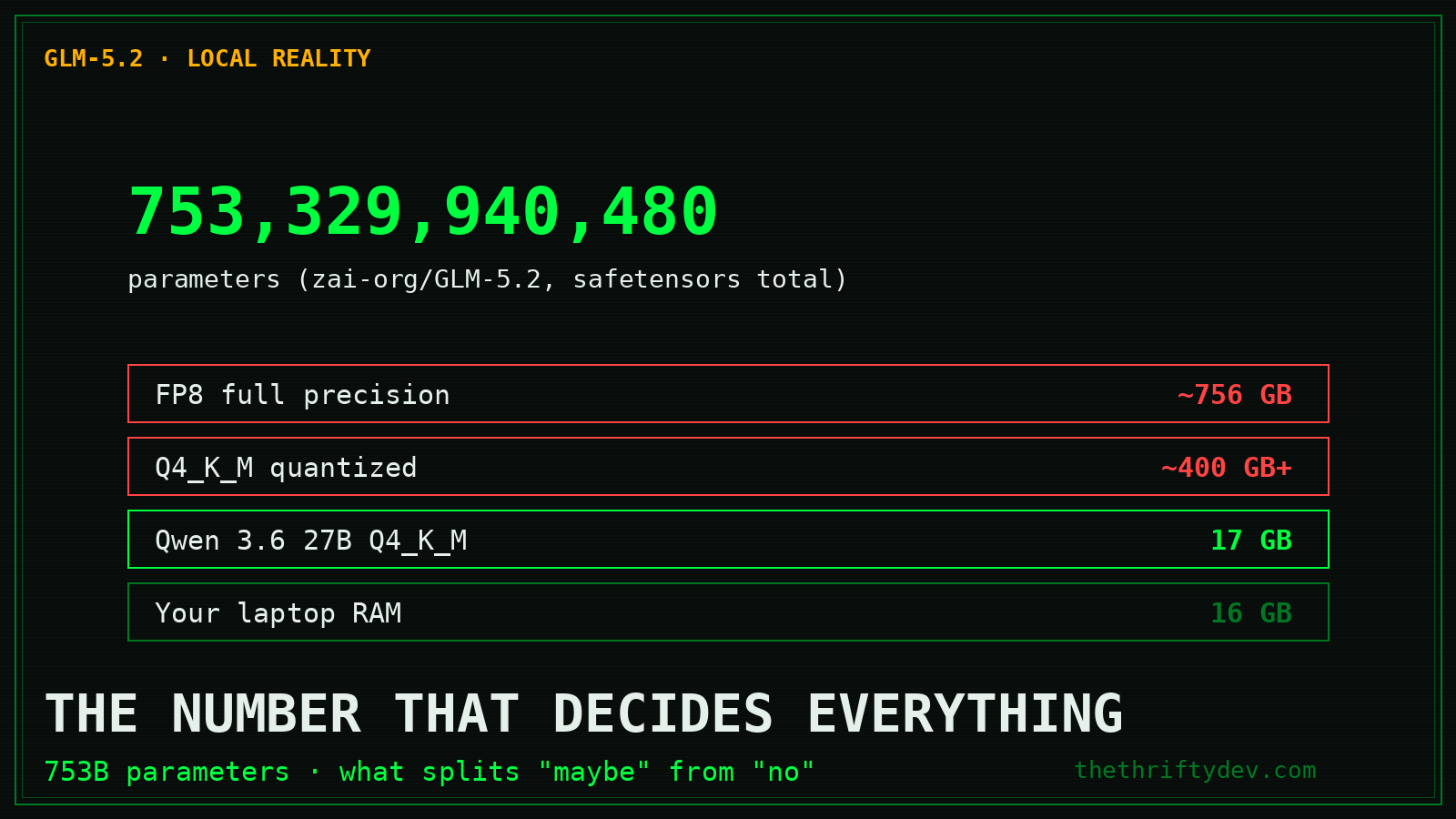
GLM-5.2 is a 753-billion-parameter mixture-of-experts model. That single fact splits every “can I run it locally?” question into yes-with-a-rig and no:
- FP8: ~756GB — this is what
ollama run glm-5.2:cloudroutes to - Q4_K_M quantization: roughly 400GB+ across GGUF shards
- Your laptop with 16GB RAM: no. Not “slowly.” No.
For contrast: Qwen 3.6 27B at Q4_K_M is 17GB — that runs on a gaming PC. That’s the difference between a workhorse and a flagship.
Path 1: Ollama, One Command, Cloud-Backed (Start Here)
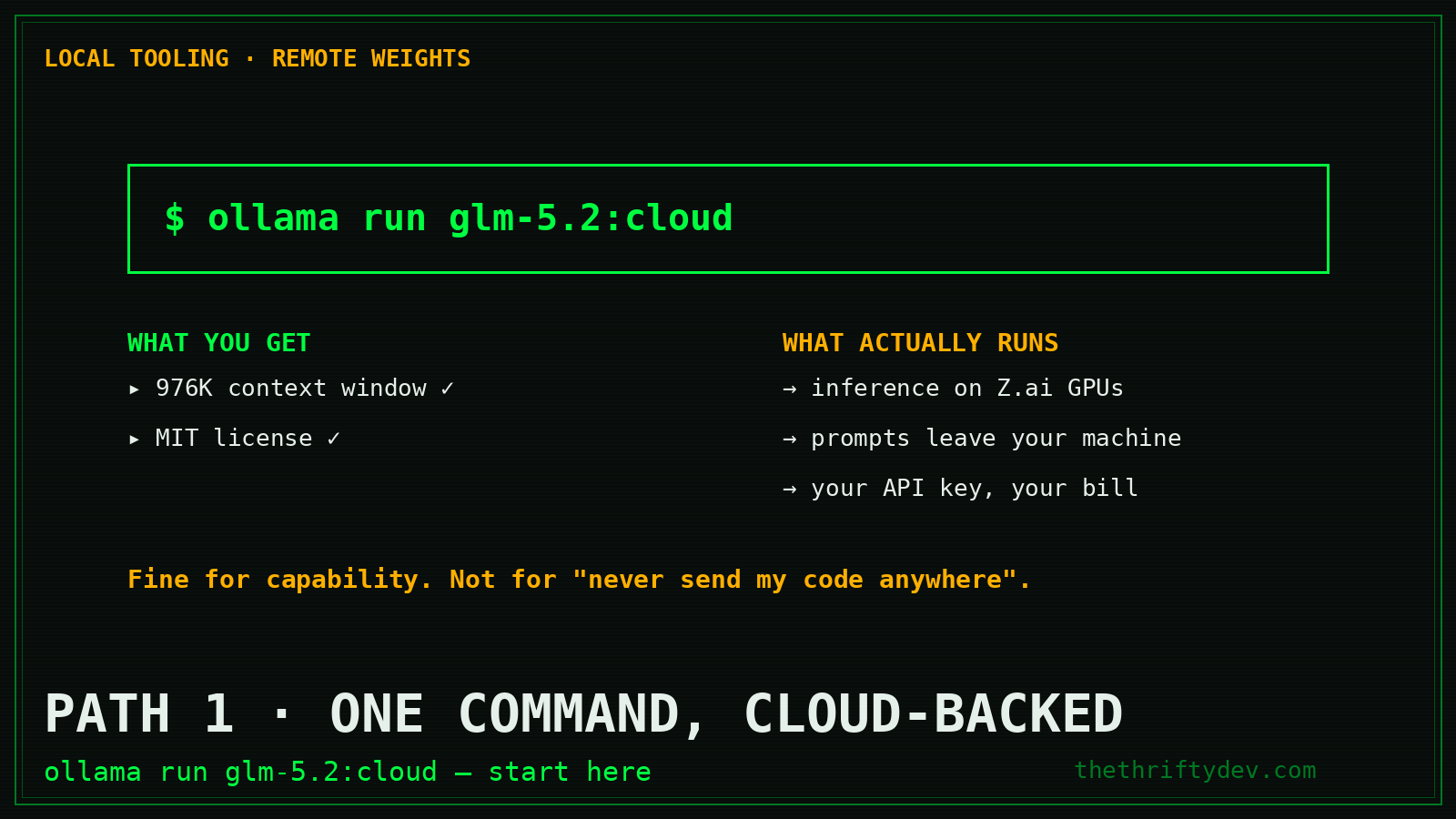
Ollama lists GLM-5.2 officially. One tag: cloud.
curl -fsSL https://ollama.com/install.sh | sh
ollama run glm-5.2:cloud
What this actually does: your Ollama client handles the interface and context management; inference runs on Z.ai’s infrastructure through your API key. You get the 976K context window, tool use, and the full model behavior — with zero local VRAM cost.
Be clear-eyed about what this is: local tooling, remote weights. Your prompts leave your machine. If your threat model is “never send my code anywhere,” this path doesn’t satisfy it — but for most builders it’s the right balance of capability and convenience, and it’s the cheapest way to find out if GLM-5.2 deserves a place in your workflow before you buy hardware.
Path 2: Actually Local — The Hardware Bill
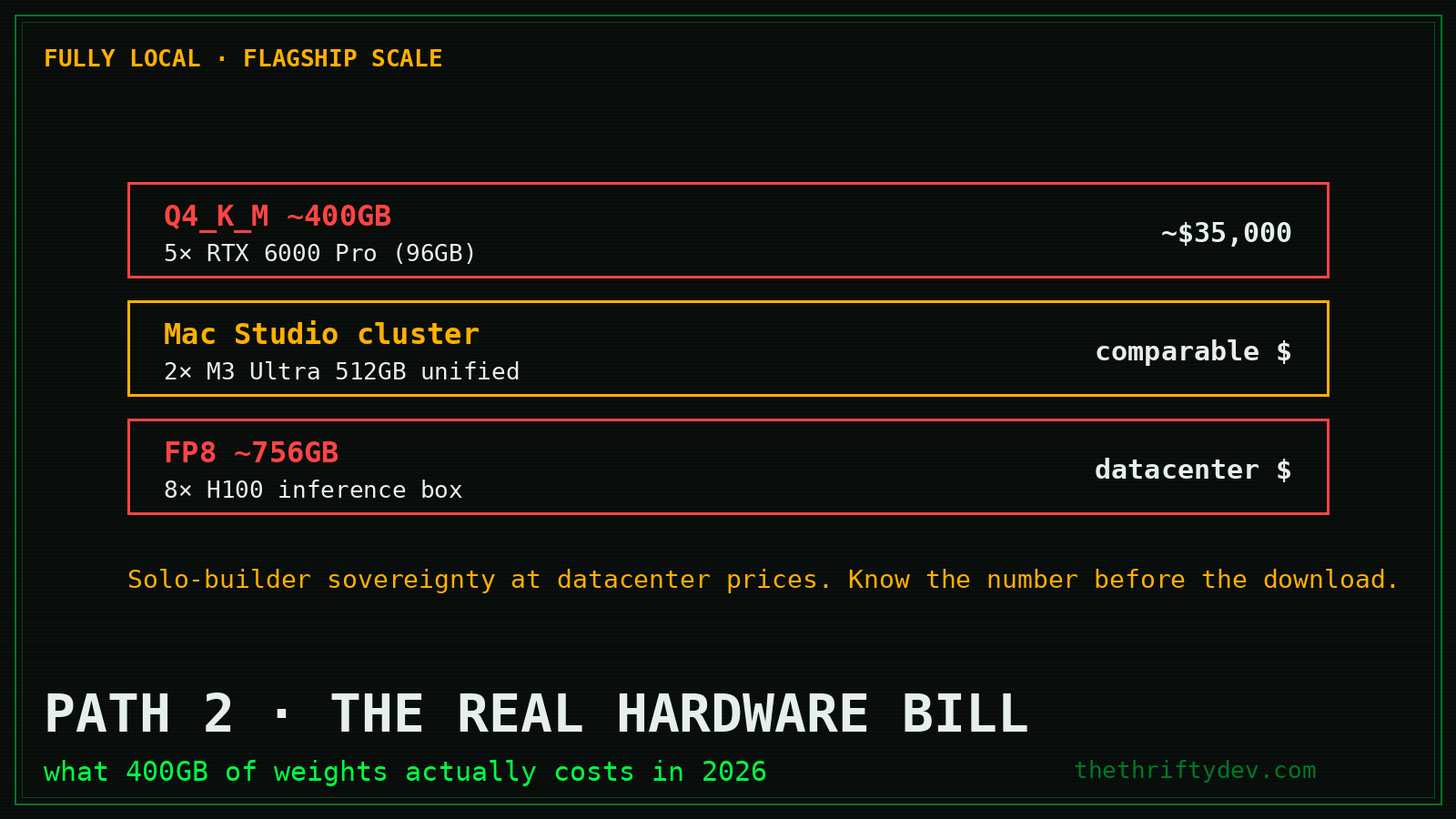
If “local” means the weights execute on silicon you own, here’s the real math as of mid-2026:
- GGUF source: unsloth/GLM-5.2-GGUF on Hugging Face (223K+ downloads, updated June 2026) or the official zai-org/GLM-5.2-FP8
- Q4_K_M (≈400GB): 5× 96GB GPUs (RTX 6000 Pro class) — roughly $35,000 new
- Mac Studio cluster: 512GB unified memory (M3 Ultra x2) — comparable money, much quieter
- FP8 (≈756GB): dedicated inference box, 8× H100 territory
That’s the honest number most “run any model locally!” posts bury in paragraph nine. For a solo builder, this path only makes sense if you’re already running serious infrastructure — or you value data sovereignty at datacenter prices.
Path 3: The Pragmatic 80/20 — GLM-5.2 API + Qwen 3.6 27B Local
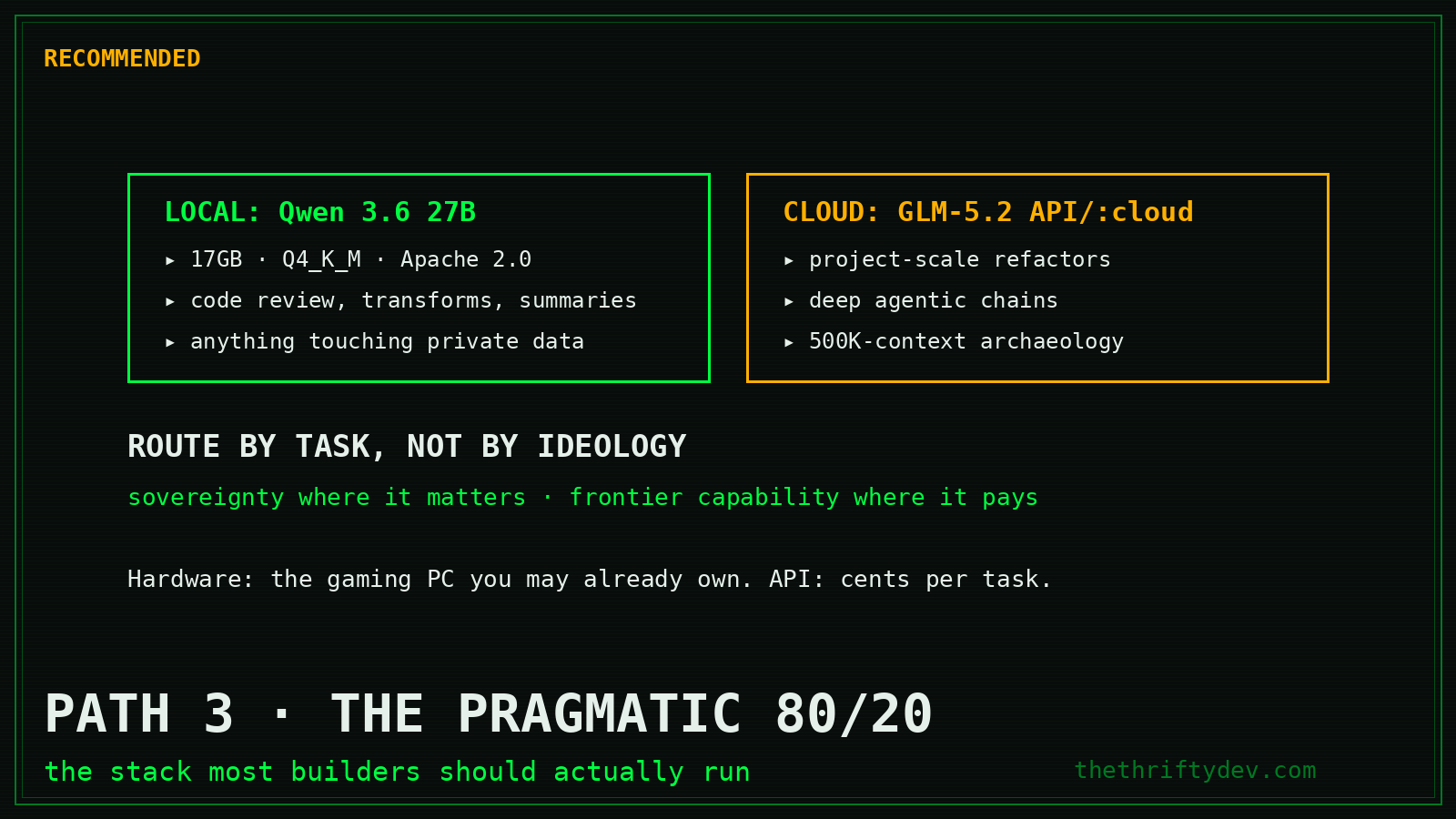
This is the stack I actually recommend, and it’s what the full comparison breakdown concludes too:
- Qwen 3.6 27B local (
ollama run qwen3.6:27b, 17GB, Q4_K_M, Apache 2.0) for the daily grind: code review, transformation, summarization, anything high-volume or touching private data - GLM-5.2 via API or
:cloudfor the long-horizon jobs: project-scale refactors, deep agentic chains, the 500K-context archaeology - Route by task, not by ideology — you get sovereignty where it matters and frontier capability where it pays
Total hardware cost: the gaming PC you may already own. Total API cost when you need the flagship: cents per task.
Setup, Step by Step (Path 3)
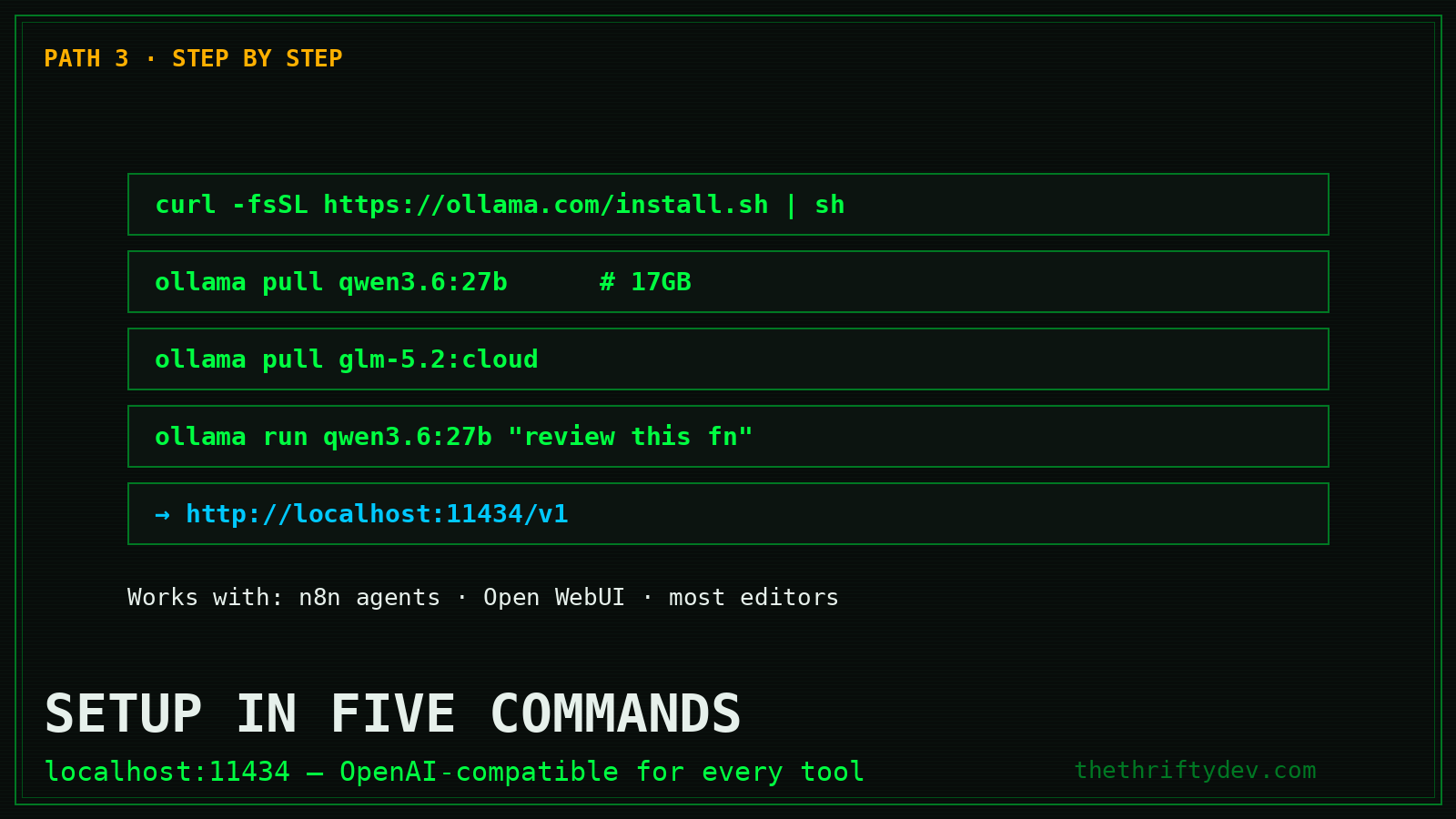
1. Install Ollama (Linux/macOS):
curl -fsSL https://ollama.com/install.sh | sh2. Pull the local workhorse:
ollama pull qwen3.6:27b # 17GB, runs on 24GB+ VRAM or 32GB+ RAM3. Add the flagship (cloud tag):
ollama pull glm-5.2:cloud4. Sanity-test both:
ollama run qwen3.6:27b "Review this Python function for bugs: def calc(items): return sum(i['p']*i['q'] for i in items)"
ollama run glm-5.2:cloud "Summarize the architecture decisions in this 200-page spec"
5. Point your tools at it. Anything speaking the OpenAI API format works — Ollama exposes http://localhost:11434/v1. That includes your self-hosted n8n AI agents, Open WebUI, and most editors.
Common Traps
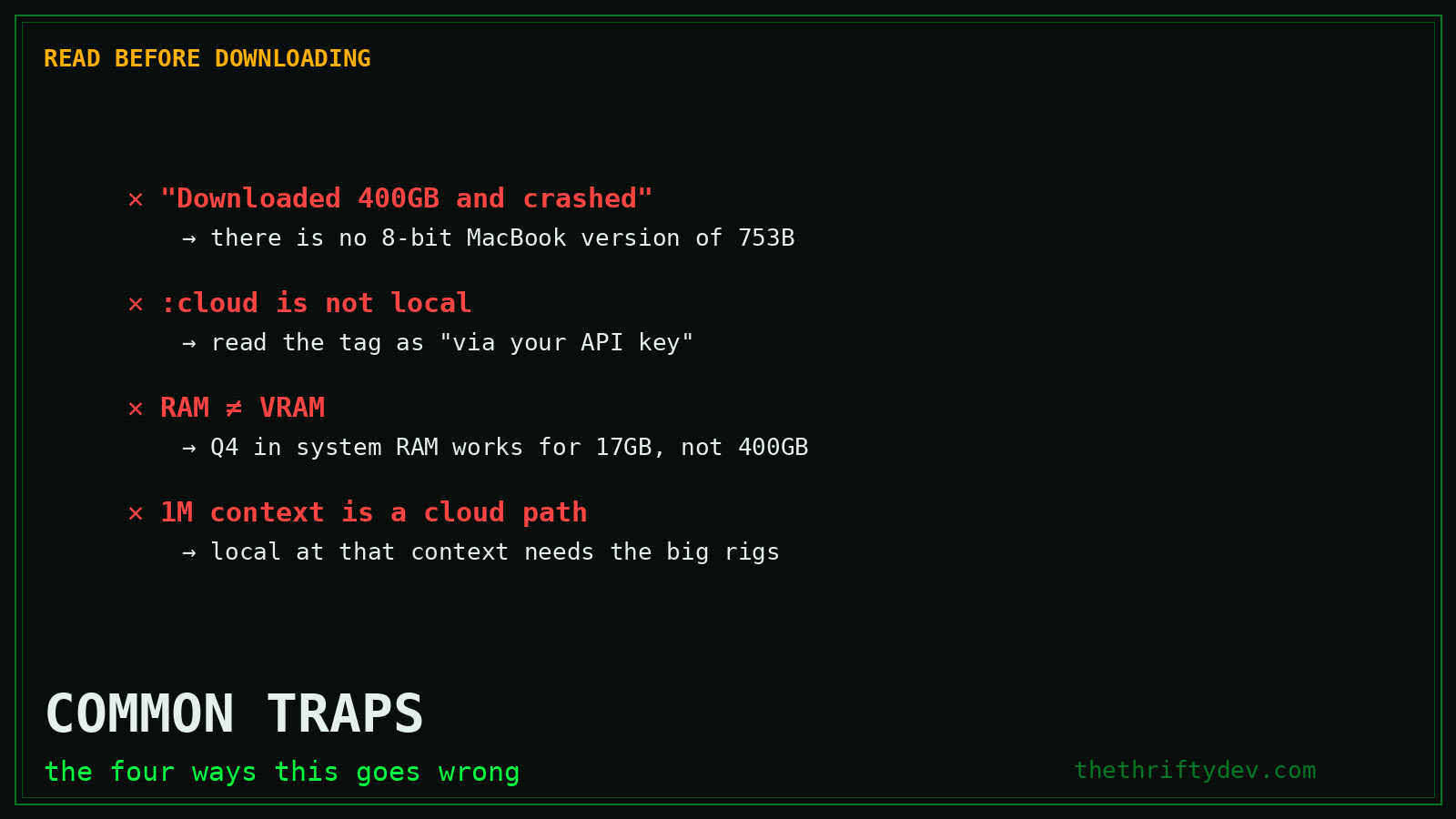
- “It downloaded 400GB and crashed.” You grabbed the GGUF expecting a magic quant. There is no 8-bit MacBook Air version of a 753B model.
- Confusing
:cloudwith local. The tag name is honest; read it as “GLM-5.2 via your API key.” - RAM ≠ VRAM. Q4 of Qwen 3.6 loads into system RAM at a speed penalty; the same trick on GLM-5.2 still needs 400GB of it.
- Expecting 1M context locally. The full window works through the cloud path; local inference at that context needs the big rigs.
Which Path Are You?
Answer one question: is your driver capability or sovereignty? If capability — Path 1, one command, done today. If sovereignty at flagship scale — Path 2, and now you know the real bill instead of finding out mid-download. If you’re like most builders — Path 3: a 17GB local workhorse that never phones home, a cloud flagship for the hard 5%, and a clean seam between them.
The models are open. The choice architecture is yours. Build accordingly.
Going further: the full self-hosted n8n AI-agent setup guide wires this local stack into automation, and Claude Design covers the no-code side of the same coin.
Primary Sources
- Ollama: glm-5.2 (official listing, :cloud tag)
- zai-org/GLM-5.2 (official weights, MIT)
- unsloth/GLM-5.2-GGUF (quantized shards)
- Ollama: qwen3.6:27b (17GB, Q4_K_M)
Read next
Chat Control 1.0 Passed Through the Back Door (EU, 2026)
8 min read·Published Aug 15, 2026NostrXFacebookRedditTelegramSMSCopyOn this page▾The 90-Second TimelineThe Back Door, Explained Like You’re a BuilderWhat the Law Actually Says: Regulation…
The 2026 Sovereign Stack: Privacy Tools That Actually Resist Surveillance
8 layers of the sovereign stack verified live in 2026 — email, DNS, VPN, hosting, search, comms, money, AI. What to use,…
EU Chat Control 2026: The Deadline Every Builder Should Know
0 0 votes Article Rating Last updated: August 15, 2026 Part of Privacy + Digital Rights Hub Update (August 15, 2026): The…