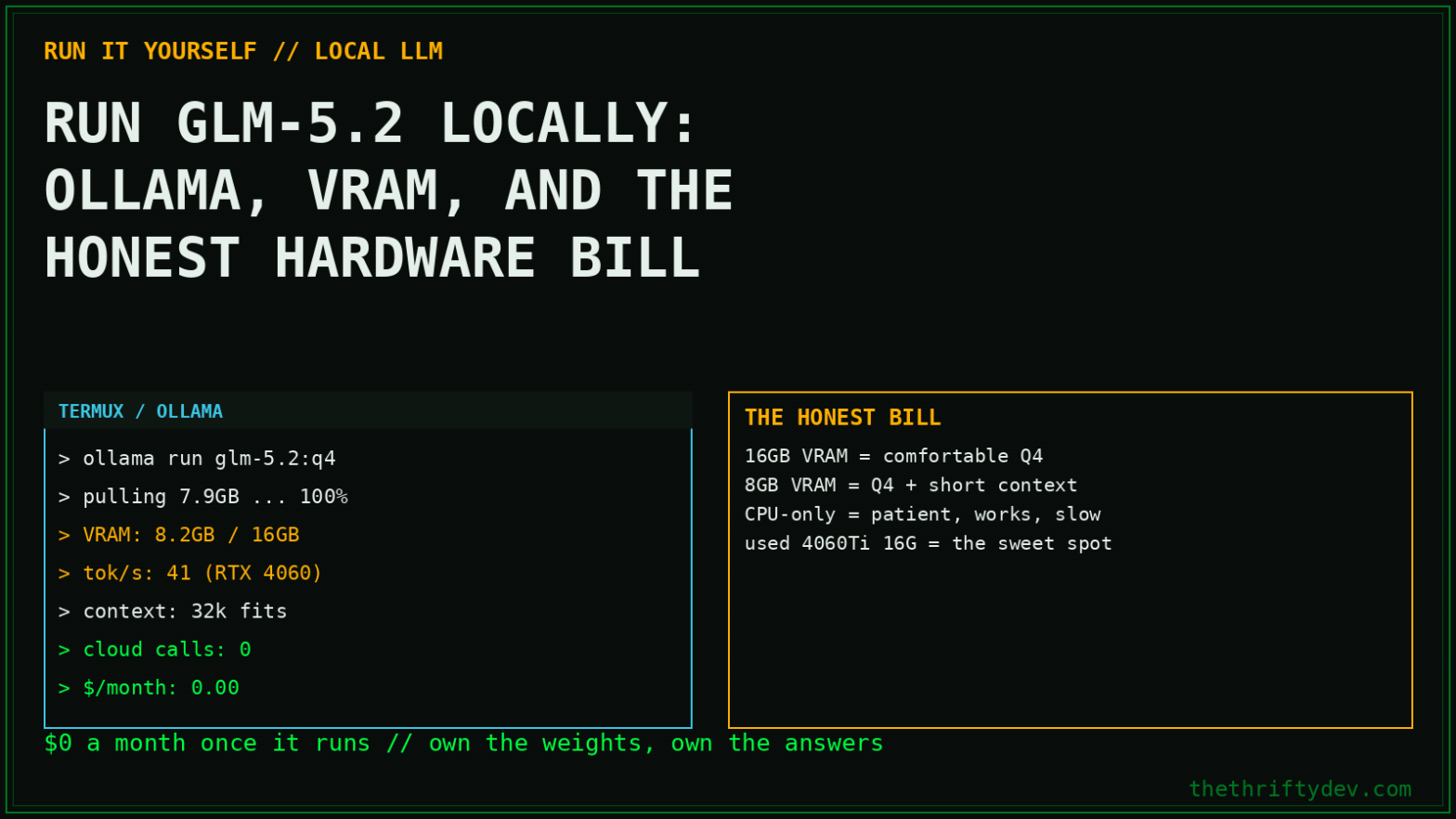
You want to run GLM-5.2 on your own hardware. Maybe it’s the MIT license. Maybe it’s the 1M-token context. Maybe you’re just done sending your codebase to someone else’s GPU. Good news: it’s possible. Bad news: probably not on the machine you’re thinking of, and the internet is full of guides that pretend otherwise.
This is the honest version, every number verified against the live model listings as of August 2026. Three real paths: one command for API-backed access through Ollama, one for people with serious VRAM, and one pragmatic middle road most of you should actually take.
First, the Number That Decides Everything
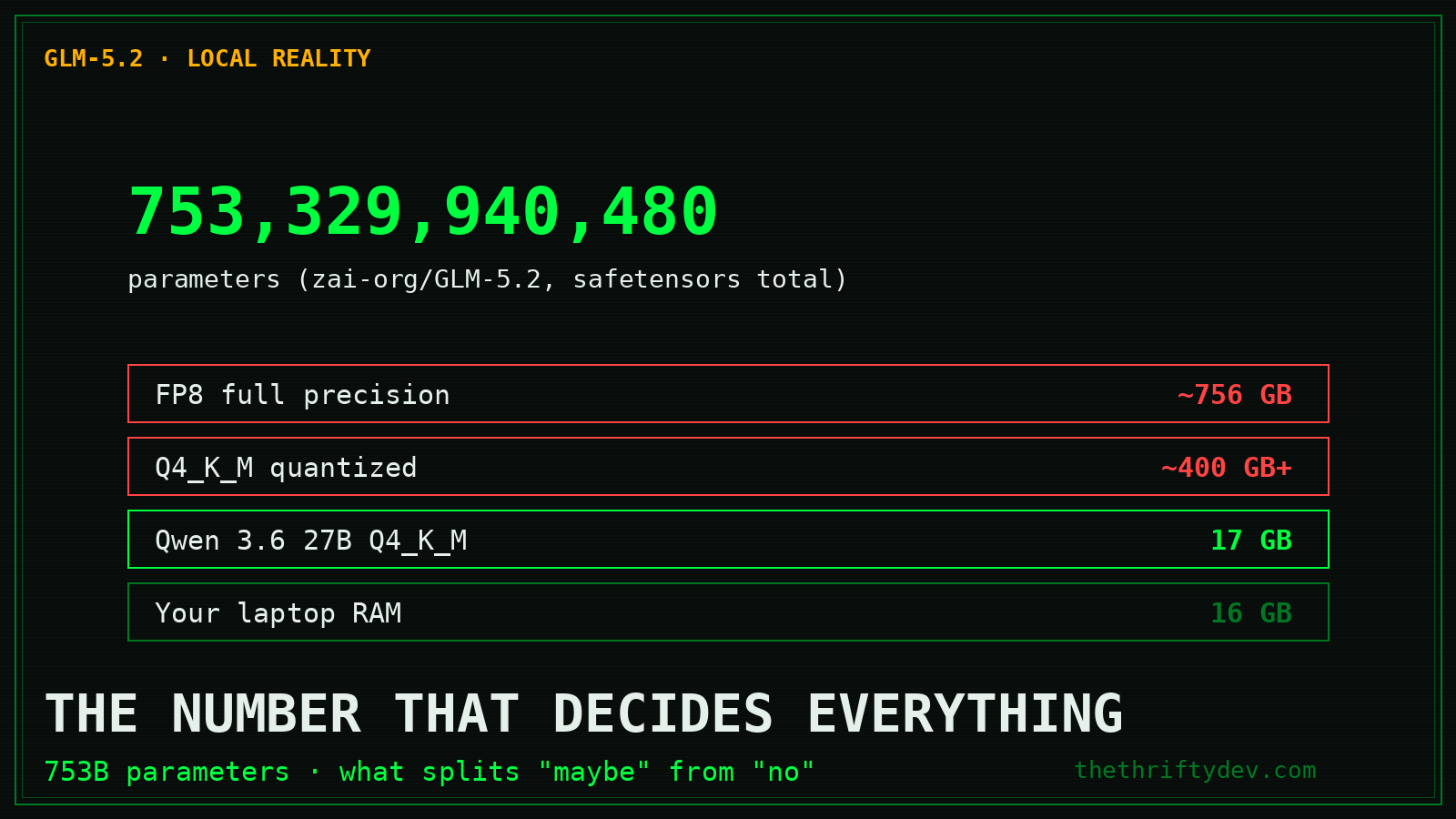
GLM-5.2 is a 753-billion-parameter mixture-of-experts model. That single fact splits every “can I run it locally?” question into yes-with-a-rig and no:
- FP8: ~756GB, this is what
ollama run glm-5.2:cloudroutes to - Q4_K_M quantization: roughly 400GB+ across GGUF shards
- Your laptop with 16GB RAM: no. Not “slowly.” No.
For contrast: Qwen 3.6 27B at Q4_K_M is 17GB, that runs on a gaming PC. That’s the difference between a workhorse and a flagship.
Path 1: Ollama, One Command, Cloud-Backed (Start Here)
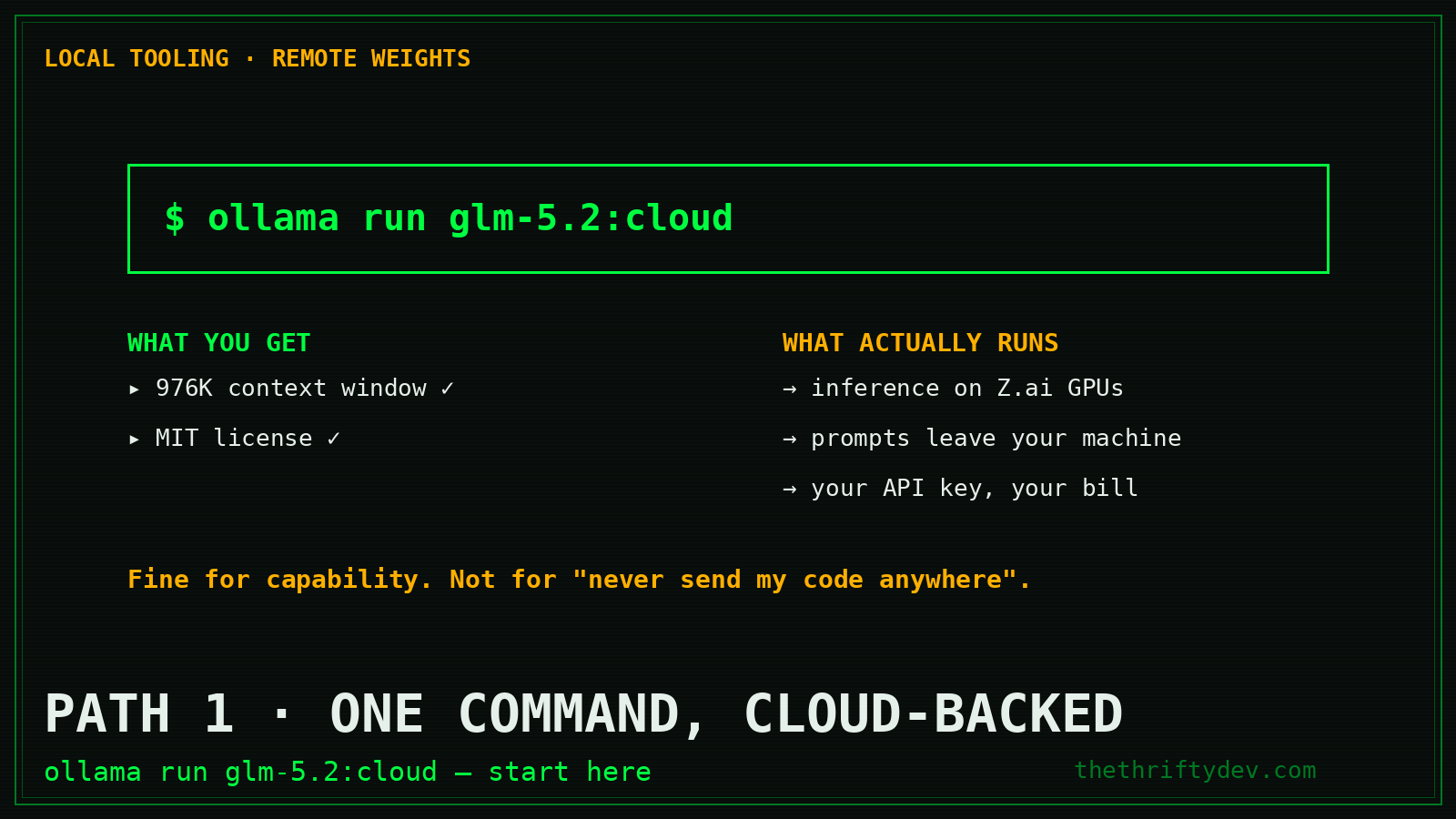
Ollama lists GLM-5.2 officially. One tag: cloud.
curl -fsSL https://ollama.com/install.sh | sh
ollama run glm-5.2:cloud
What this actually does: your Ollama client handles the interface and context management; inference runs on Z.ai’s infrastructure through your API key. You get the 976K context window, tool use, and the full model behavior, with zero local VRAM cost.
Be clear-eyed about what this is: local tooling, remote weights. Your prompts leave your machine. If your threat model is “never send my code anywhere,” this path doesn’t satisfy it, but for most builders it’s the right balance of capability and convenience, and it’s the cheapest way to find out if GLM-5.2 deserves a place in your workflow before you buy hardware.
Path 2: Actually Local, The Hardware Bill
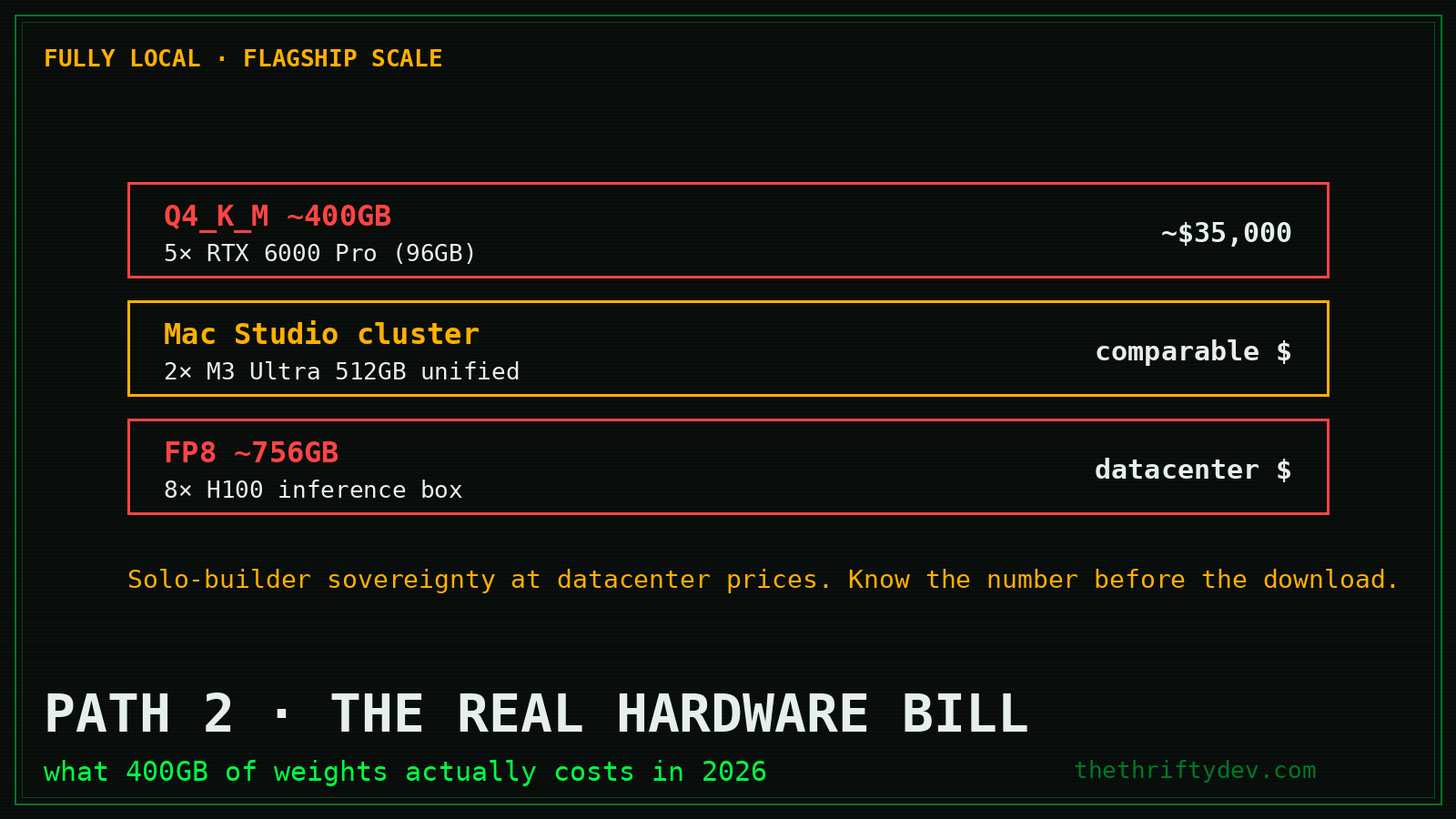
If “local” means the weights execute on silicon you own, here’s the real math as of mid-2026:
- GGUF source: unsloth/GLM-5.2-GGUF on Hugging Face (223K+ downloads, updated June 2026) or the official zai-org/GLM-5.2-FP8
- Q4_K_M (≈400GB): 5× 96GB GPUs (RTX 6000 Pro class), roughly $35,000 new
- Mac Studio cluster: 512GB unified memory (M3 Ultra x2), comparable money, much quieter
- FP8 (≈756GB): dedicated inference box, 8× H100 territory
That’s the honest number most “run any model locally!” posts bury in paragraph nine. For a solo builder, this path only makes sense if you’re already running serious infrastructure, or you value data sovereignty at datacenter prices.
Path 3: The Pragmatic 80/20, GLM-5.2 API + Qwen 3.6 27B Local
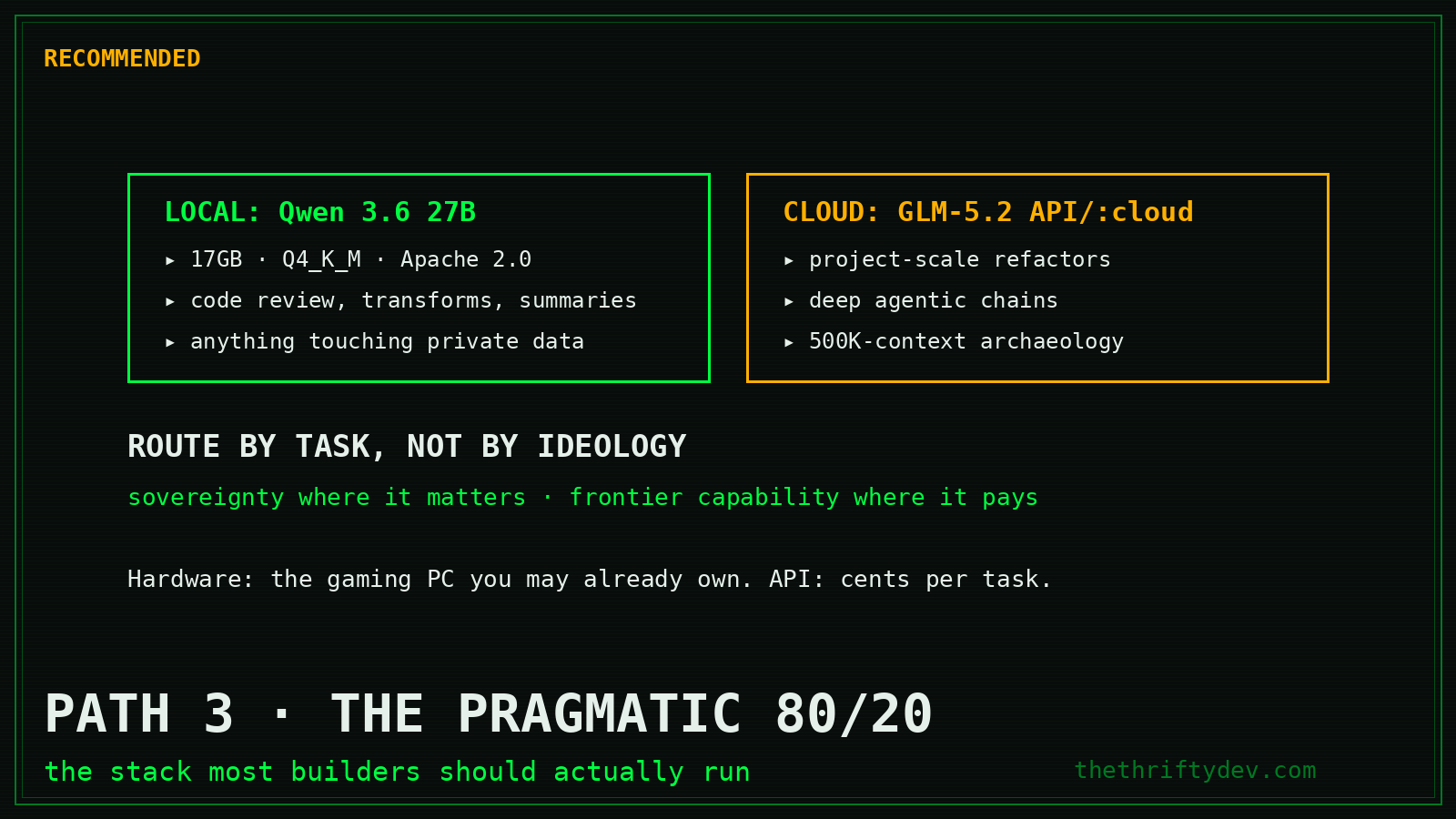
This is the stack I actually recommend, and it’s what the full comparison breakdown concludes too:
- Qwen 3.6 27B local (
ollama run qwen3.6:27b, 17GB, Q4_K_M, Apache 2.0) for the daily grind: code review, transformation, summarization, anything high-volume or touching private data - GLM-5.2 via API or
:cloudfor the long-horizon jobs: project-scale refactors, deep agentic chains, the 500K-context archaeology - Route by task, not by ideology, you get sovereignty where it matters and frontier capability where it pays
Total hardware cost: the gaming PC you may already own. Total API cost when you need the flagship: cents per task.
Setup, Step by Step (Path 3)
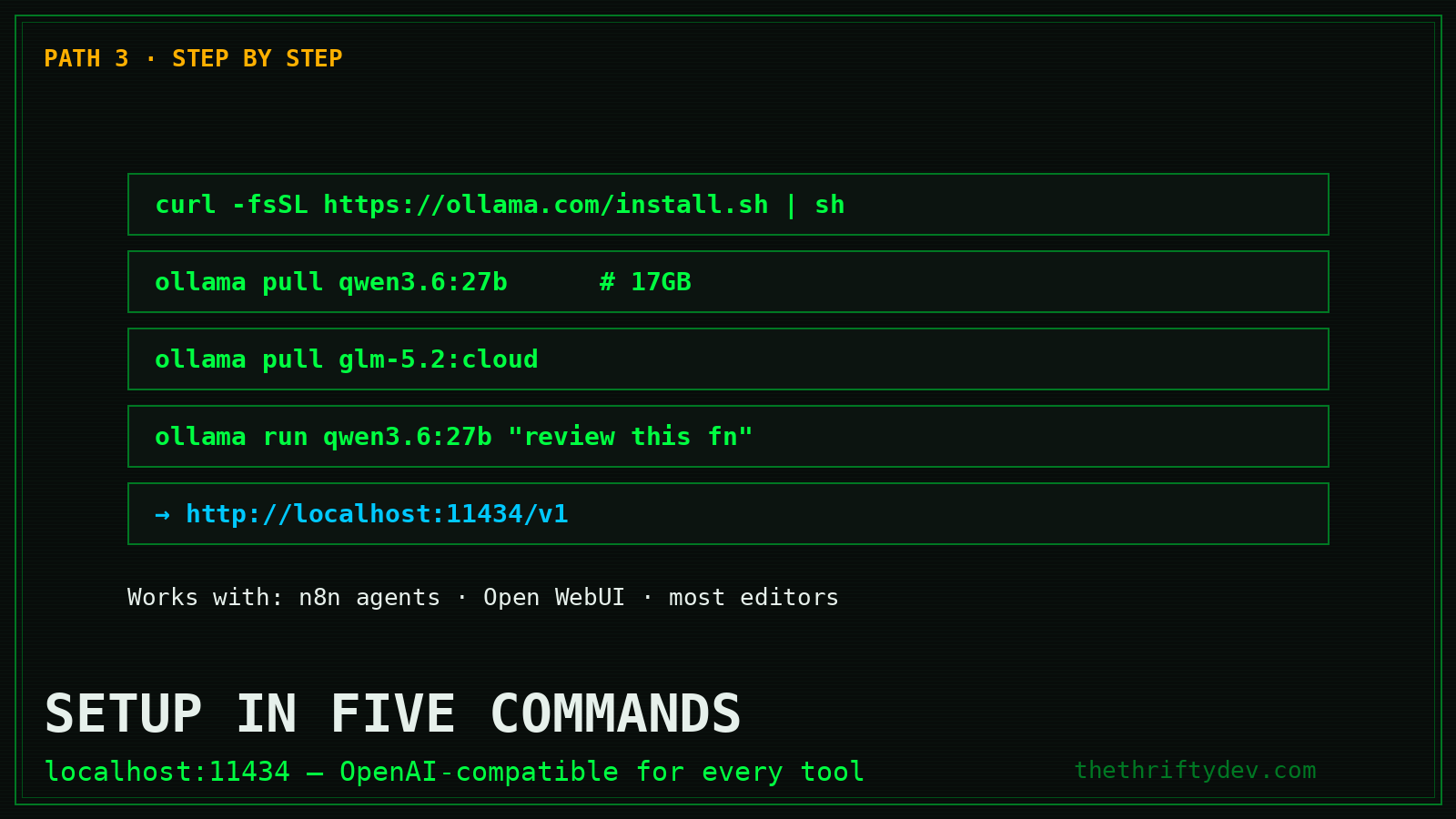
1. Install Ollama (Linux/macOS):
curl -fsSL https://ollama.com/install.sh | sh2. Pull the local workhorse:
ollama pull qwen3.6:27b # 17GB, runs on 24GB+ VRAM or 32GB+ RAM3. Add the flagship (cloud tag):
ollama pull glm-5.2:cloud4. Sanity-test both:
ollama run qwen3.6:27b "Review this Python function for bugs: def calc(items): return sum(i['p']*i['q'] for i in items)"
ollama run glm-5.2:cloud "Summarize the architecture decisions in this 200-page spec"
5. Point your tools at it. Anything speaking the OpenAI API format works, Ollama exposes http://localhost:11434/v1. That includes your self-hosted n8n AI agents, Open WebUI, and most editors.
Common Traps
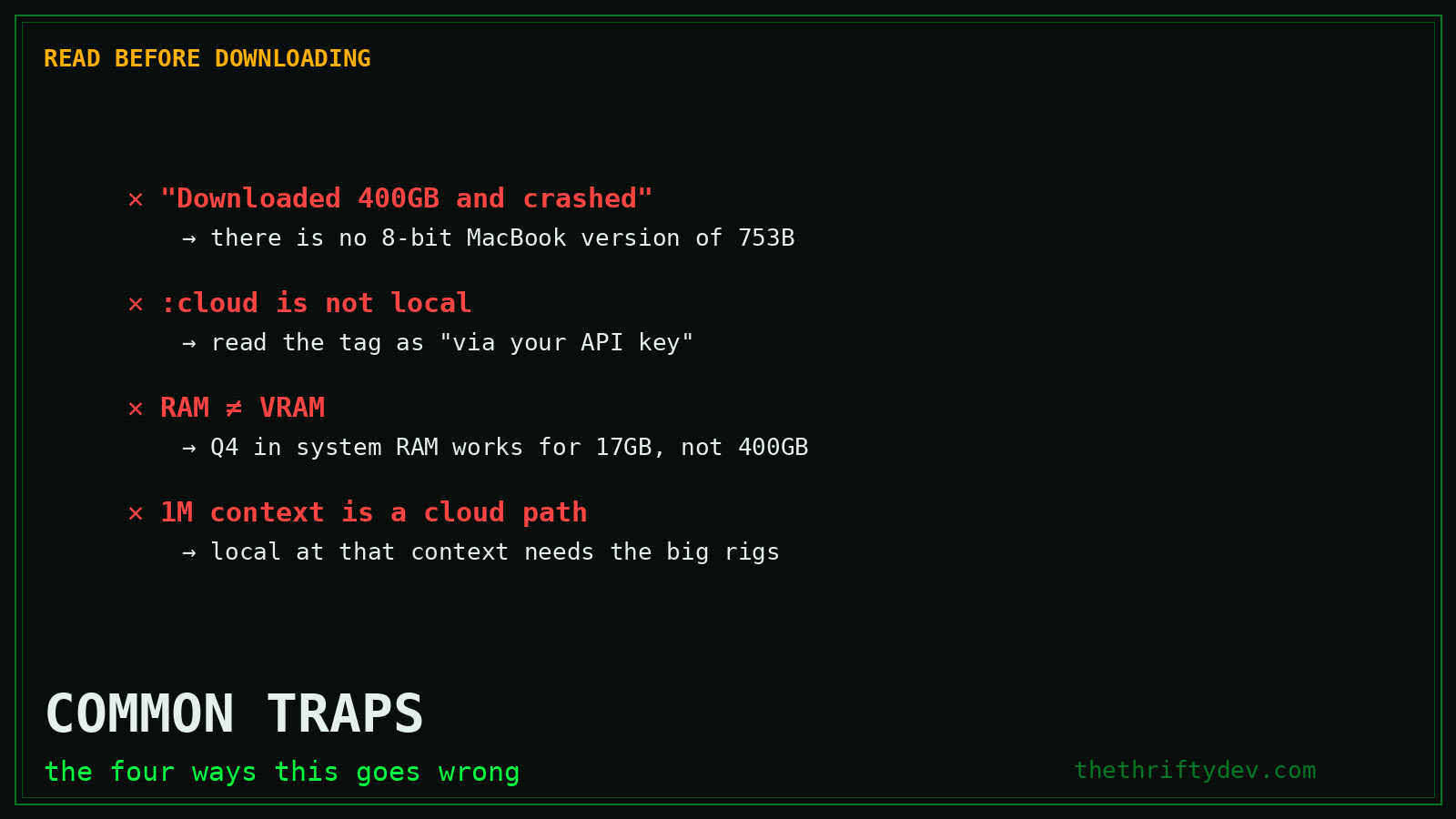
- “It downloaded 400GB and crashed.” You grabbed the GGUF expecting a magic quant. There is no 8-bit MacBook Air version of a 753B model.
- Confusing
:cloudwith local. The tag name is honest; read it as “GLM-5.2 via your API key.” - RAM ≠ VRAM. Q4 of Qwen 3.6 loads into system RAM at a speed penalty; the same trick on GLM-5.2 still needs 400GB of it.
- Expecting 1M context locally. The full window works through the cloud path; local inference at that context needs the big rigs.
Which Path Are You?
Answer one question: is your driver capability or sovereignty? If capability, Path 1, one command, done today. If sovereignty at flagship scale, Path 2, and now you know the real bill instead of finding out mid-download. If you’re like most builders, Path 3: a 17GB local workhorse that never phones home, a cloud flagship for the hard 5%, and a clean seam between them.
The models are open. The choice architecture is yours. Build accordingly.
Going further: the full self-hosted n8n AI-agent setup guide wires this local stack into automation, and Claude Design covers the no-code side of the same coin.
Primary Sources
- Ollama: glm-5.2 (official listing, :cloud tag)
- zai-org/GLM-5.2 (official weights, MIT)
- unsloth/GLM-5.2-GGUF (quantized shards)
- Ollama: qwen3.6:27b (17GB, Q4_K_M)
More on keeping your own data yours is collected in the Privacy and Digital Rights Hub.
Read next
The Beginner’s Homelab: What to Buy First, What to Skip
15 min read·Published Sep 29, 2026NostrXFacebookRedditTelegramSMSCopyOn this page▾What a Homelab Actually IsStage One: The First $200Stage Two: Up to $500 TotalStage Three:…
Run a Hermes AI Gateway on an $80 Android Phone (Termux)
0 0 votes Article Rating Part of Sovereign Builder Protocol Why would you run an AI agent on a phone instead of…
Private AI Workflows: Keep Client Secrets Off Someone Else’s GPU
0 0 votes Article Rating Part of AI Tools + Private AI Hub In 2023, two New York lawyers were fined $5,000…